10
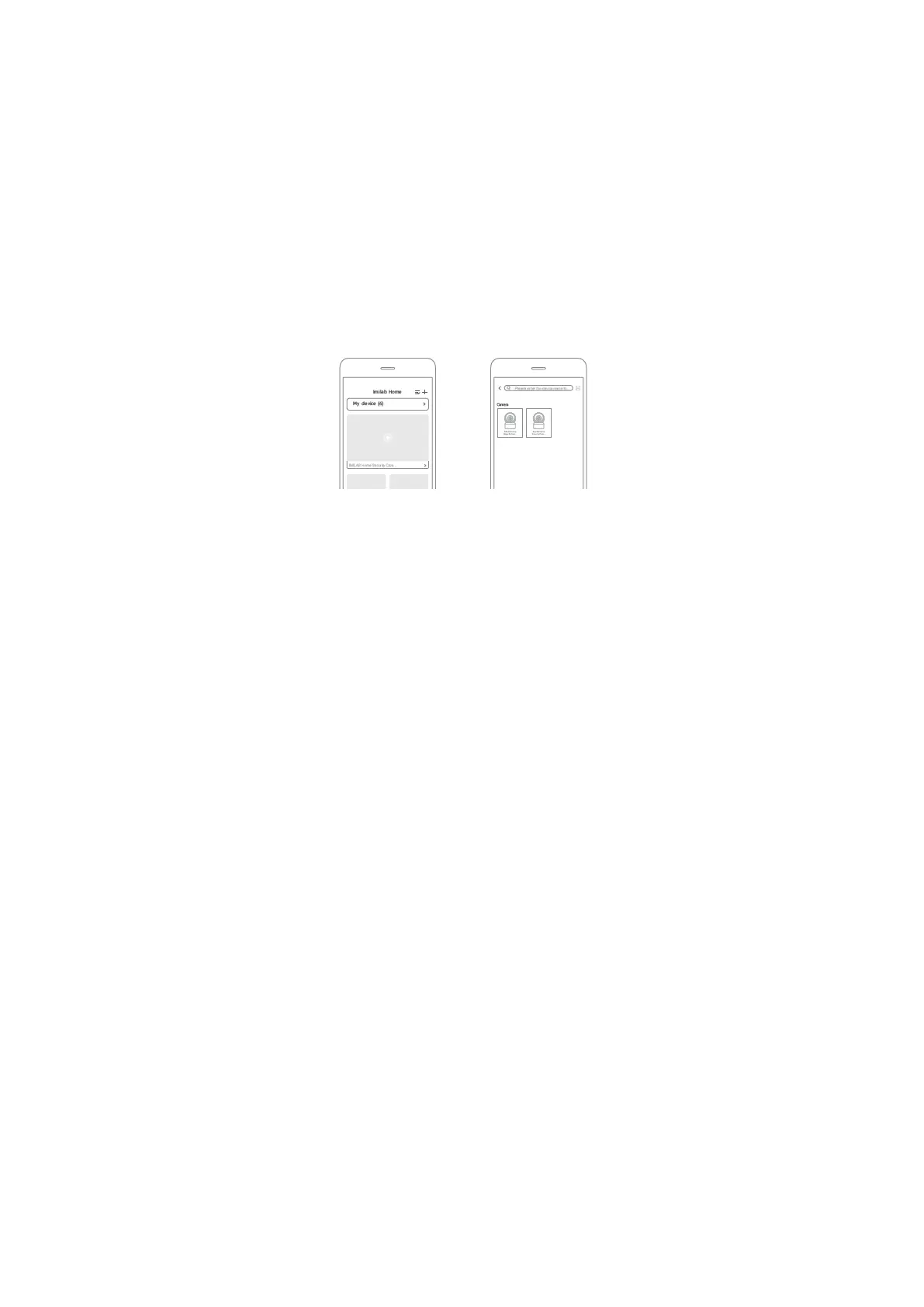
Add Device
• Open Imilab Home app, tap “+” on the upper right. Tap ”[-]”and scan the QR code
under the device by your phone, then you can follow the steps to add your
device.
• Open Imilab Home app, tap “+” on the upper right. Tap ”IMILAB C21”and then you
can follow the steps to add your device.
Note:
The version of the app might have been updated, please follow the instructions based
on the current app version.
Specifications
Name: IMILAB C21
Model: CMSXJ38A
Net Weight: 249 g
Viewing Angle: 105°
Resolution: 2560 x 1440
FCC ID: 2APA9-CMSXJ38A
Input: 5 V 2 A
Expandable Memory: MicroSD card (up to 64 GB)
Dimensions: 111 mm x 75 mm x 73 mm
Operating Temperature: -10 °C to 40 °C
Wireless Connectivity: Wi-Fi IEEE 802.11 b/g/n 2.4 GHz



 To Next Page