7
Warning:
To avoid any damages or injuries, the device must be securely fastened to the
Ceiling/wall as specified in the installation instructions.
When mounting the security camera on a wall:
Please note that the wall must be able to support at least triple the product's total
weight.
Product Instructions
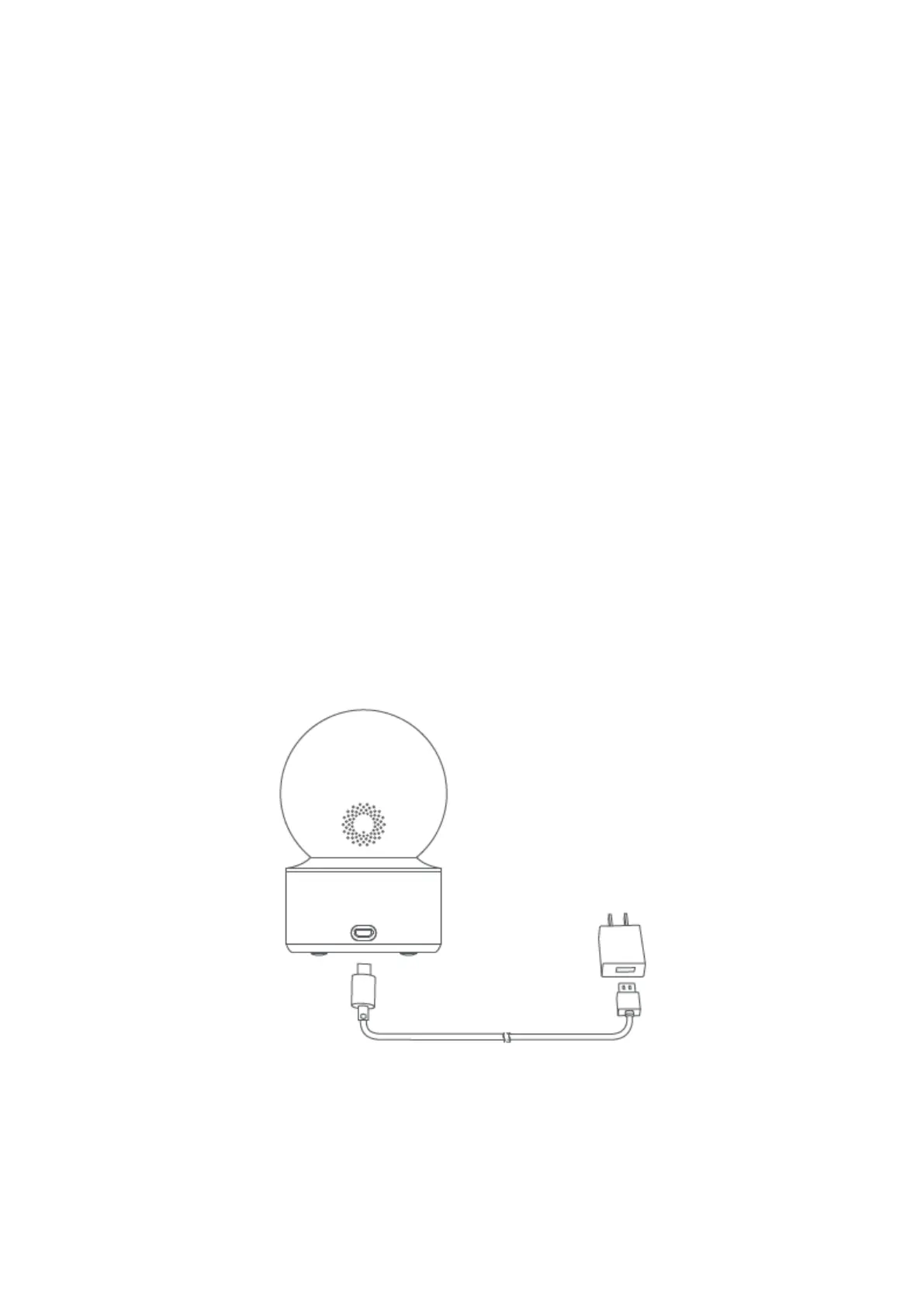
Turning the Device On
IMILAB C21 will automatically activate once the power cable is inserted into the Micro-
USB charging port.
1. If the indicator light is flashing orange, that means the device is activated successfully.
If you do not see a flashing orange light, please press and hold the Reset button to
restart the device to enter pairing mode.



 To Next Page