Connecting to Xiaomi/Mi Home App
1. Scan the QR code to download and install the
app, sign up and log in.
2. Connect the camera to the app. Make sure
the network is smooth when connecting, and
the camera is turned on normally, the indicator
light flashes quickly in green. When connection
is successful, the indicator light turns to solid
green.
Connect to Power Source
Power On
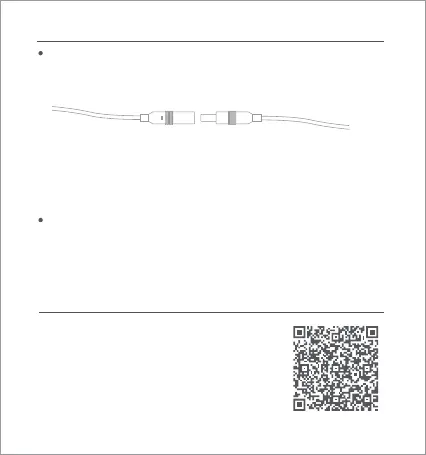
Insert the power supply cable into the camera's power supply port.
Note: Do not twist the camera’s dome to force it to rotate after it is turned
on. If the lens positioning is inaccurate, calibrate it with the app.
Indicator Light
Solid green: Successful connection/normal status
Flashing green: Waiting for connection/network exception
1D6AE141
03



 To Next Page