Installing the Device
Installing the MicroSD card
Ensure that the camera is disconnected from the power supply. Remove the
protective case and expose the MicroSD card slot. Insert the microSD card
into the card slot in the direction as illustrated.
Reset the Device if Required
Use a pin to press and hold the reset pinhole for about 7 seconds until the
indicator light flashes green and the camera restores factory settings
successfully. Then, reconnect to the app.
Note: Restoring the factory settings will not delete the contents of the
MicroSD card.
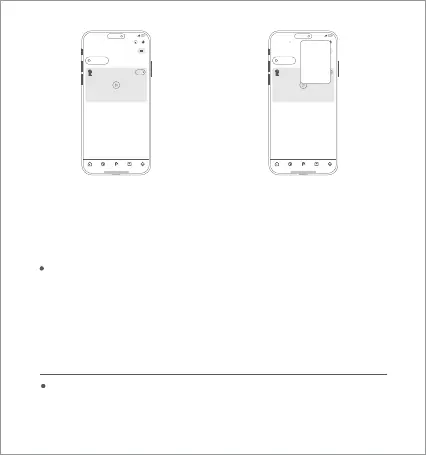
Open the app and tap the “+” at
the top right corner.
Select “Scan” and scan the QR code
on the camera body. Follow the
step-by-step instructions to add the
device.
15:57
2624137842
Smart home room home Sh
75
5G
room
Mi Home Smart Products Store Profile
28°
Open
IMILAB C30 Dual Home Security Camera
15:57
2624137842
Smart home room home Sh
75
5G
room
Mi Home Smart Products Store Profile
28°
Open
IMILAB C30 Dual Home Security Camera
Add device
Scan
Manual controls
Automation
04



 To Next Page