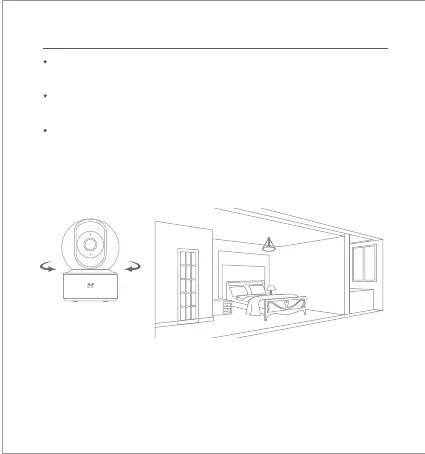
Automatic Monitoring
Automatic monitoring can be configured through the IMILAB Home
Security Camera Basic control interface in the Mi Home app.
Available options include 24-hour, daytime, and nighime monitoring.
You can also create your own schedule and set the desired camera angle.
This product is able to detect movements within its field of view. Once
movements are detected, a video is recorded and you will receive a
notification.



 To Next Page