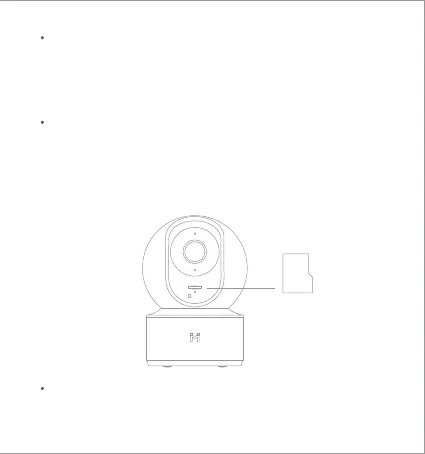
MicroSD
RESET
Indicator Light
Steady blue on: connected/device status is normal
Flashing blue: network error
Flashing orange rapidly: waiting for connection
Flashing orange slowly: system upgrade in progress
Restore Factory Seings
Press and hold the Reset buon to restore your device to factory seings.
Data stored on the MicroSD card is not erased.
Make sure that the power to the security camera is already disconnected.
Adjust the camera lens upward until the MicroSD slot is revealed, then
insert the MicroSD card into the slot (the side with contact points must
be facing down).
Installing a MicroSD Card



 To Next Page