EN
Tips
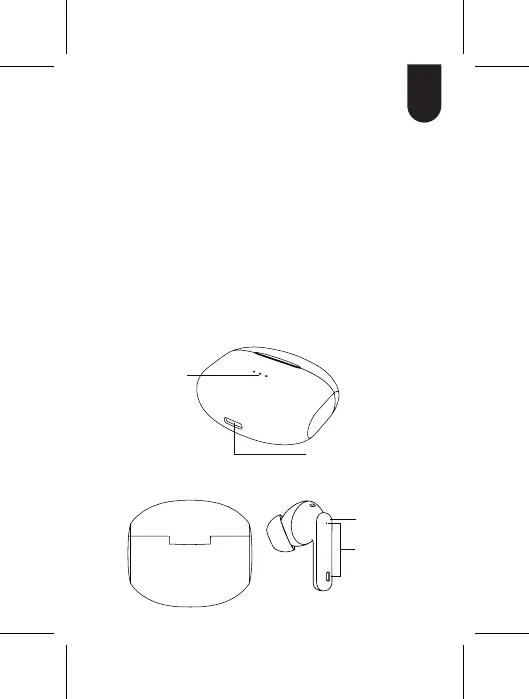
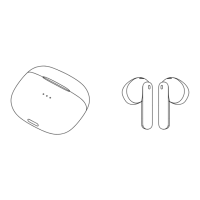
Product details
If one of the earbuds doesn't work or if the earbuds
don't pair automatically, follow the steps below.
Solution:
Step 1: Turn off your mobile phone's Bluetooth
Step 2 : Put both earbuds back into the charging
case, and close the lid
Step 3: Take out both earbuds from the charging
case, and place both earbuds on the table
at the same time and wait for 15 seconds.
The earbuds will now pair automatically.
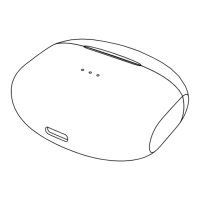
Charging case
Charging
indicator
Type-C charging port
Touch area
Microphone
3


 To Next Page