Note:
1. Press and hold the reset button for 10 s to reset the camera.
2. Double-press the reset button to enable camera’s hotspot.
See the table below for denitions of camera’s LED behaviors.
LED Indicator Status
Device Status
Pairing falied
Ready for network conguration
Power o/LED turned o
Rebooting after reset
o
Solid red
Flashing red
Flashing green
Solid green
Flashing green and red alternately
Operating properly
Updating rmware
Ready to pair
Booting
Device malfunction
Network connection failed
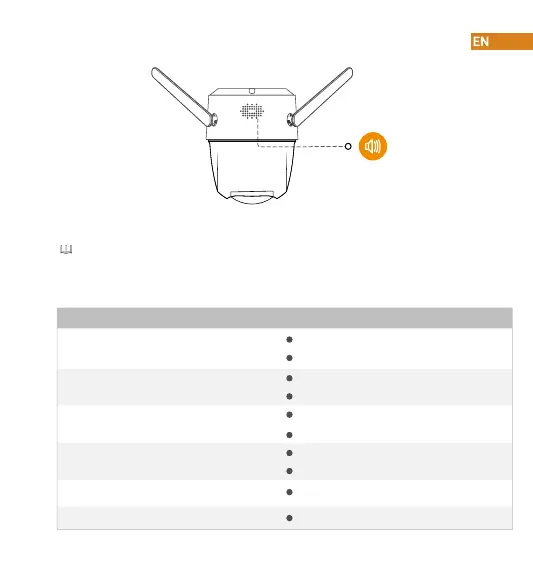
Speaker



 To Next Page