
 Need help?
Do you have a question about the Imperial DABMAN i200 and is the answer not in the manual?
Essential safety precautions for safe radio operation and avoiding hazards.
Detailed explanation of all buttons and functions on the remote control.
Step-by-step guide to connecting the radio to a power source.
Instructions for connecting the radio to a wired or wireless network.
Adjusting radio settings like display, sound, time, and alarms.
Browsing and selecting from a vast library of internet radio stations.
Addressing common problems such as display, reception, and network connectivity.
 General
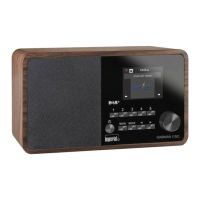
| Material | Wood |
|---|---|
| MP3 playback | - |
| On/off switch | Yes |
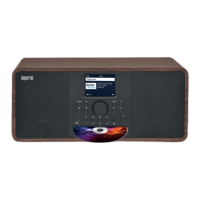
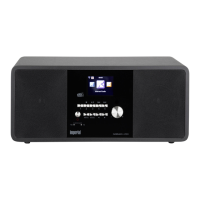
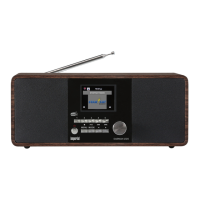
| Product color | Black |
| Radio type | Internet |
| Tuner type | Digital |
| FM band range | 87.5 - 108 MHz |
| DAB III band range | 174 - 240 MHz |
| Supported radio bands | DAB, DAB+, FM |
| RMS rated power | 20 W |
| Number of built-in speakers | 2 |
| Power source | DC |
| AC input frequency | 60 Hz |
| Display type | TFT |
| Display diagonal | 2.88 \ |
| Ethernet LAN data rates | 10, 100 Mbit/s |
| Headphone outputs | 1 |
| Headphone connectivity | 3.5 mm |
| USB 2.0 ports quantity | USB 2.0 ports have a data transmission speed of 480 Mbps, and are backwards compatible with USB 1.1 ports. You can connect all kinds of peripheral devices to them. |
| Cables included | Audio (3.5mm) |
 Weight and Dimensions
| Depth | 103 mm |
|---|---|
| Width | 320 mm |
| Height | 135 mm |
| Weight | 1800 g |






 To Next Page