18 |
The app will generate usage les.
Events logged:
• Images saved – time and date, scanner
serial number and location (if permitted)
• Connecting to scanner
• Freeze and unfreeze
• Texts from Visits ToDo App
• Entering and exiting standby mode
Files can be uploaded to IMV’s license server,
www.licencing.bcftechnology.com.
• Automatically - if launching app when
connected to Wi-Fi
• Manually – by clicking sync button
• Prompts – If there are more than 20 usage
les to upload
• Our privacy policy can be viewed on our
website or in the app
5. Usage les
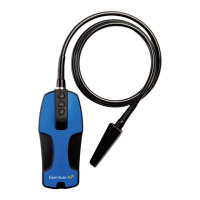
A scanner can be reset to factory rmware
settings in the unlikely event the scanner fails.
Hold down Power and Down until both LEDs
glow yellow and release.
This will take a few minutes and the scanner will
then switch off – removing the license from the
scanner.
6. Factory reset


 To Next Page
 Loading...