PAGE 7
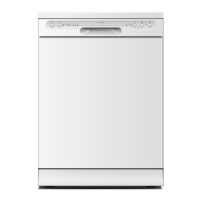
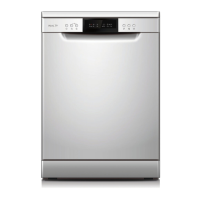
Control Panel
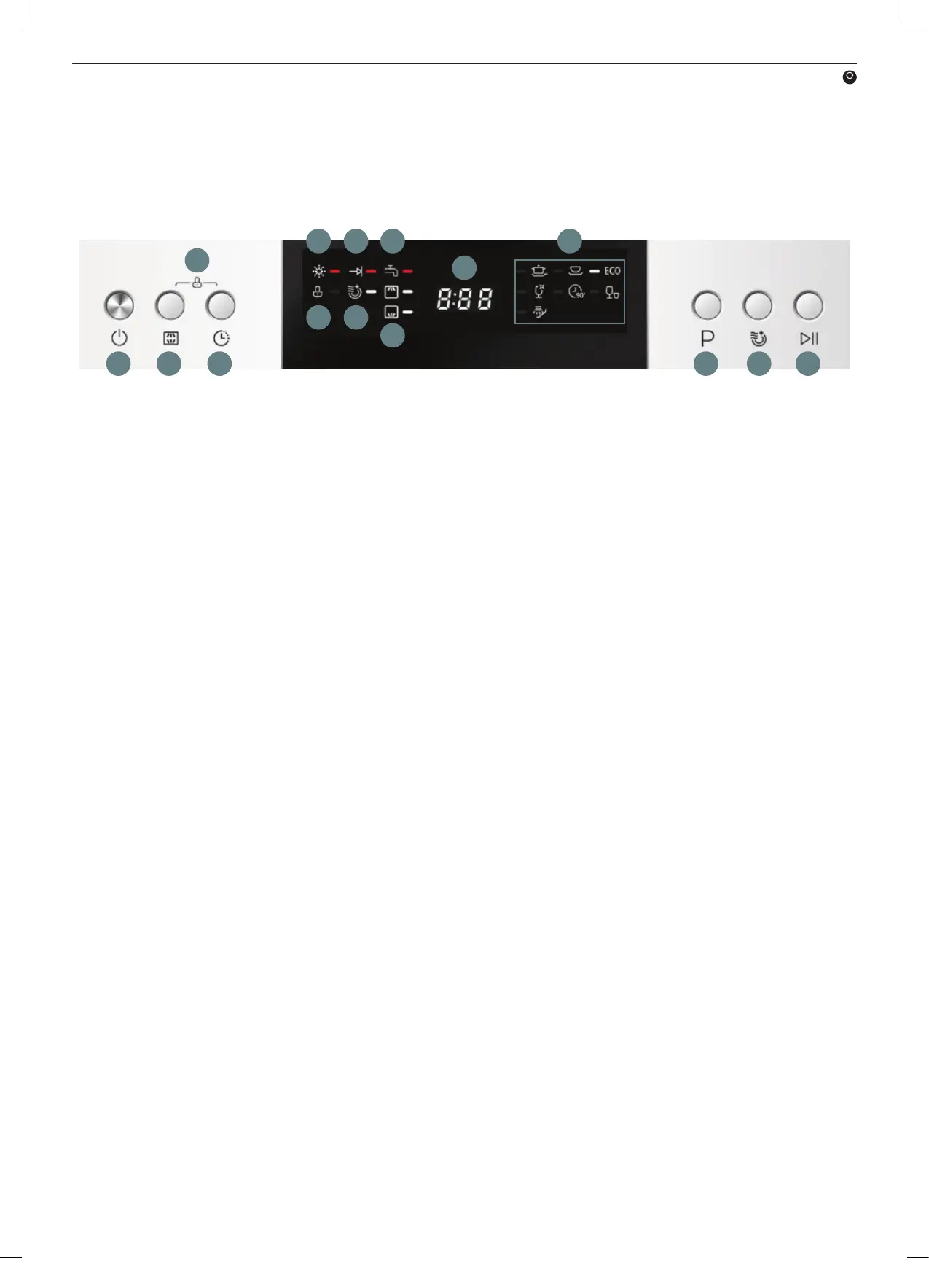
Figure 3- Control panel
1. On/O button: Switches the dishwasher On and O.
2. Wash Zone button: Press this button to switch on/o the upper wash zone and lower wash zones.
3. Delay button: Press the button to set a delayed start time.
4. Child lock function: Simultaneously press the Delay and Wash Zone buttons to activate child lock.
5. Rinse Aid indicator: Indicates when the rinse aid is low and that the dispenser needs to be refilled.
6. Program Ended indicator: Indicates when the dishwasher program has been completed.
7. Water tap indicator: LED indicates when the water supply tap is closed and needs to be turned on.
8. LED Display: Displays the remaining time, delay time and any error codes.
9. Program indicators: LED will alight next to the selected wash program.
10. Child lock indicator: LED indicates whether the child lock function is activated or not.
11. Extra Drying indicator: LED indicates whether the Extra Drying function is activated or not.
12. Lower Basket Rack Zone indicator: indicates the lower zone is activated (from using the Wash Zone button).
Upper Basket Rack Zone indicator: indicates the upper zone is activated (from using the Wash Zone button).
13. Program button: Press this button to cycle through the program options (i.e. Intensive, Glass, Eco, etc)
14. Extra Drying button: Press this button to activate the Extra Drying function. This function will heat the water
to a hotter temperature during its final rinse cycle, creating extra heat. It can only be used with the
Intensive, Heavy, ECO, Glass and 90min programs.
15. Start/Pause button: Press this button to start the selected washing program or pause the washing program
when running.
1 2 3
4
5
15
6 7
8
9
10 11
12
13 14


 To Next Page