5
3) Turn on your rst device and wait for 10 to 20 seconds. Both of your
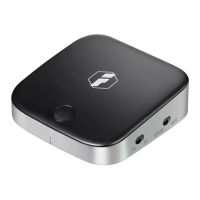
devices are now ready for pairing. Turn on the BR1005, the devices
will automatically connect in.
Note:
a. Please turn off the BR1005 and restart it to re-pair if two devices
cannot play music at the same time. If the problem still exists after
repeating the whole steps above, please contact Inateck Support
at: support@inateck.com.
b. It is advised to switch off the Bluetooth function of your other
devices to avoid signal interference.
c. We have performed the compatibility testing with various Bluetooth
chipsets on the market. But please note not all these chipsets use
the same software, compatibility issue might still encounter for
some Bluetooth devices. Please contact our customer support team
for help.
d. BR1005 can automatically re-pair to the 2 most recently connected
devices.
Bluetooth Receiver Mode (RX)
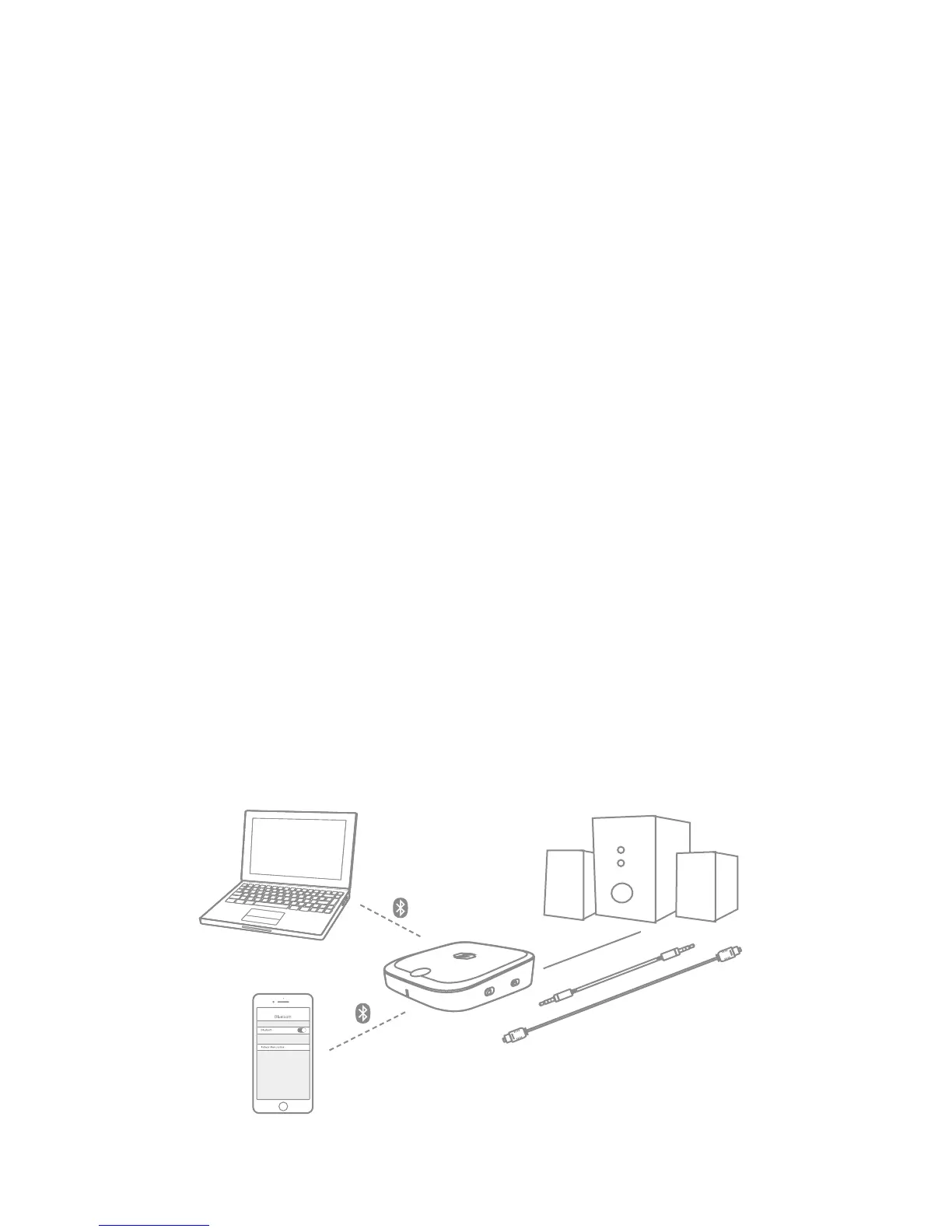
When BR1005 is in RX mode, you can connect BR1005 with a non-
Bluetooth audio device like a headphone/ speaker/ audio amplifier
via an AUX audio cable or optical audio cable. Then connect BR1005
with Bluetooth enabled devices like smartphones or laptops etc. via
Bluetooth. Therefore, non-Bluetooth audio device like a headphone/
speaker can receive audio signals via Bluetooth.


 To Next Page
 Loading...