1
English
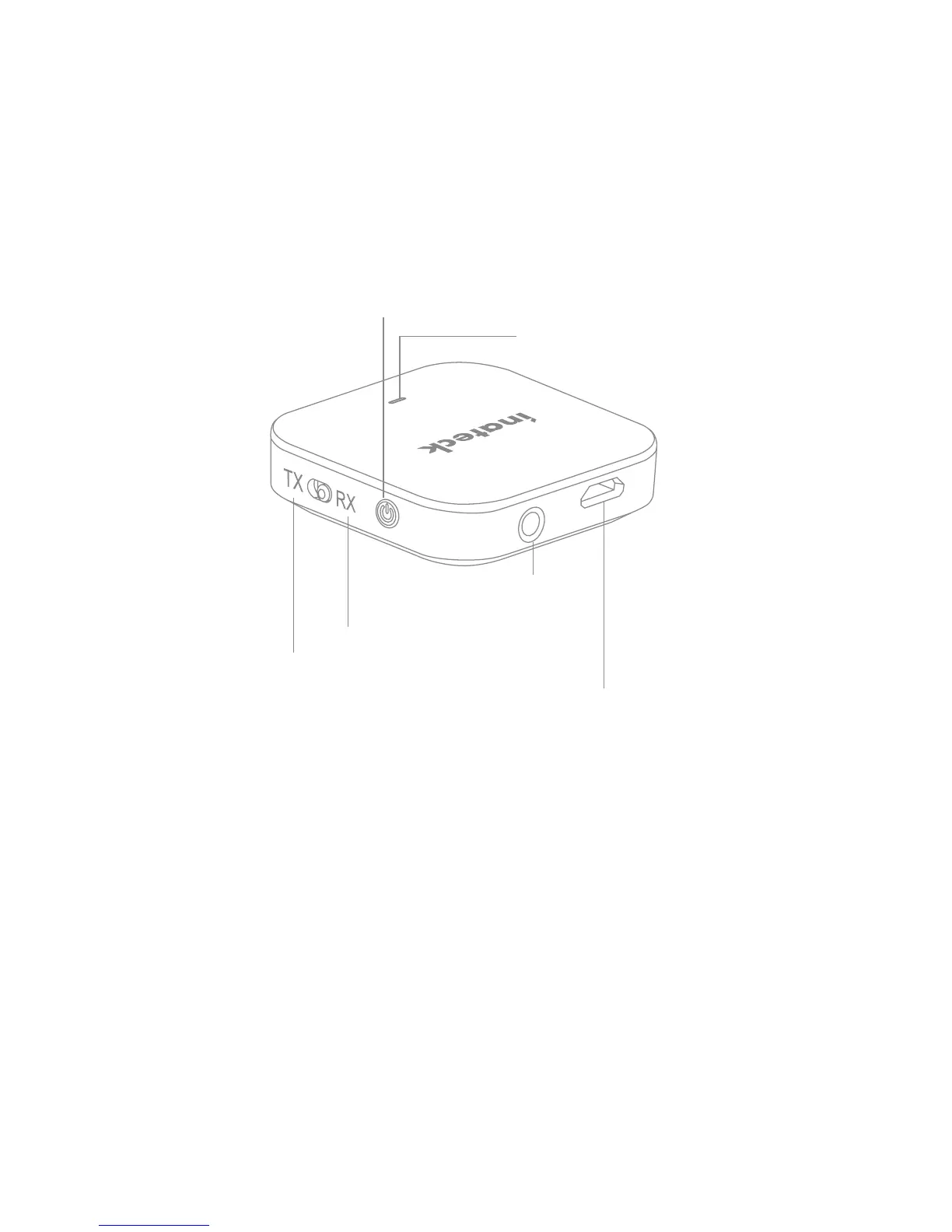
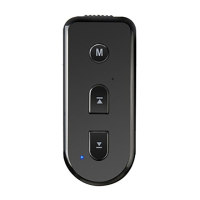
Overview
3.5mm audio port (AUX)
Bluetooth receiver mode (RX)
LED indicator
Multi-function button (MFB)
Bluetooth transmitter mode (TX)
Micro USB charging port
Charging
The RED LED indicator will ash three times continuously if the battery
level is low, which indicates charging is necessary.
1. Plug the USB end of the charging cable to a USB charging port or any
active USB port (charging power: DC 5V). Connect the Micro USB end
of the charging cable to the charging port of the BR1006.
2. The RED LED indicator will turn on when charging.
3. The LED indicator will automatically turn o when the device is fully
charged. It takes up to 2 hours to fully charge the Bluetooth adapter.


 To Next Page