EN
5
Start
button
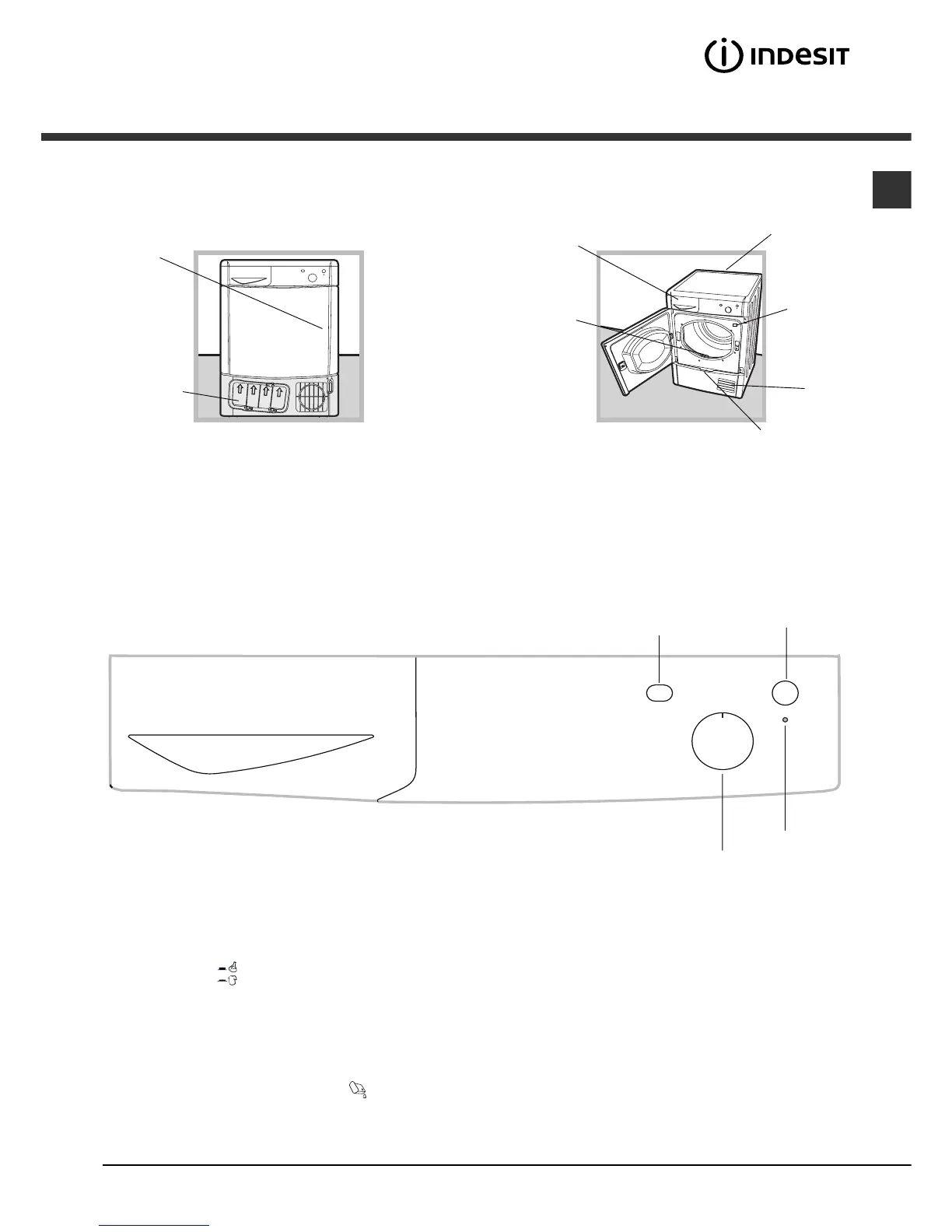
Press the
door
Condenser
unit (cover
open)
Water container
Data plate
Condenser cover
handle (pull to
open)
Filter
Air
intake
grille
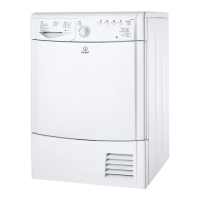
Description of
the tumble dryer
Opening the door
Control panel
Features
Model &
Serial
Numbers
Drying time
selector knob
Empty water
container
indicator light
High Heat
button
Drying time selector knob
This is used to set the drying time: turn the knob in a clockwise direction until the indicator is set to the desired drying time (see
Drying settings).
High Heat button
It can be used to customise the selected programme in accordance with your own requirements.
START button
Press the button to begin drying.
Empty water container indicator light
The Empty water container indicator light signals that the water container must be emptied.
If the container becomes full during the programme, the tumble dryer will automatically start the cold air cycle.
In order to avoid this procedure, always empty the water container after using the tumble dryer (see Care and maintenance).




 To Next Page