4
Dryer Description
GB
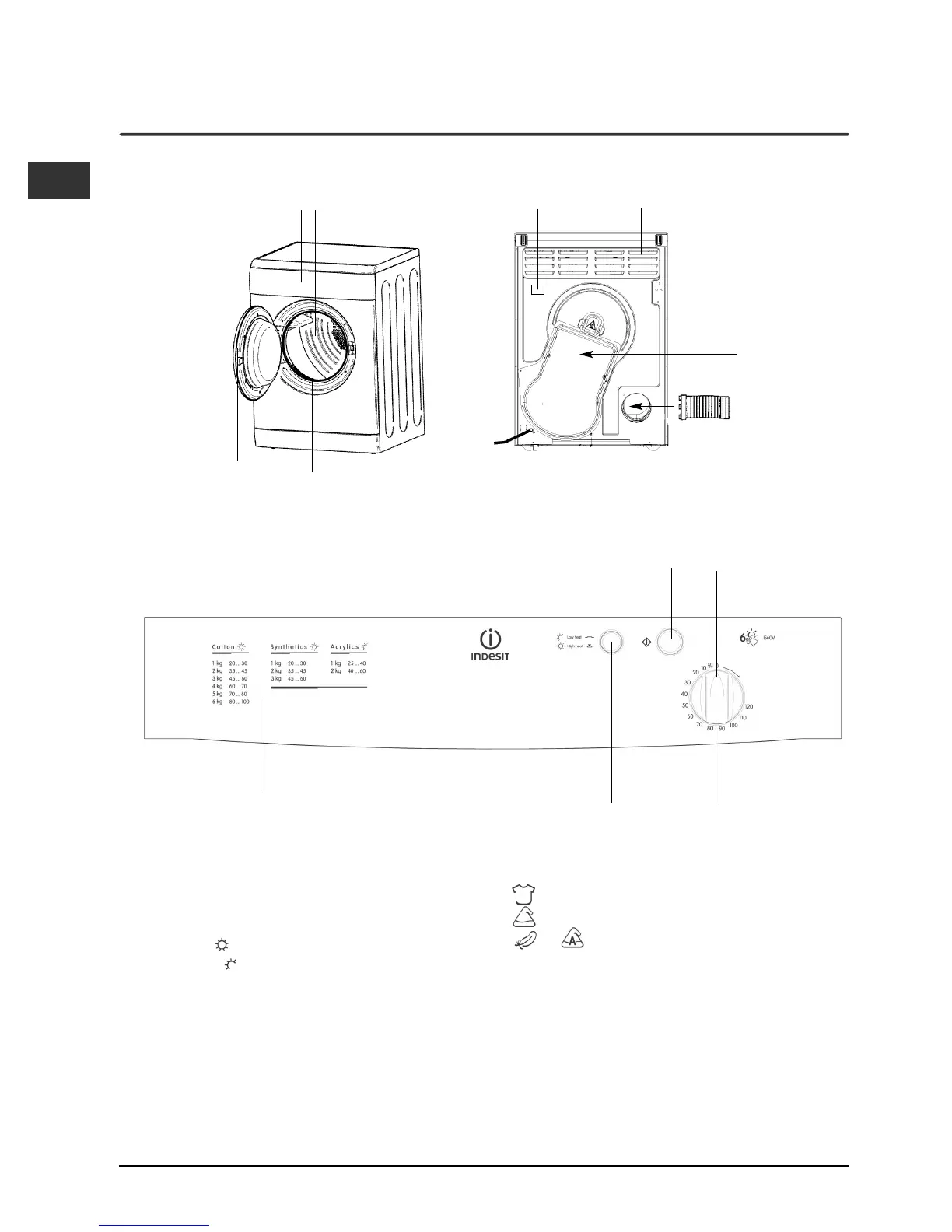
Control panel
HEAT
Button
Drying Guide
TIMER
Knob
START
Button
Indicator
The Drying Guide allows you to consult a user friendly
table of fabric types and load capacities.
Cotton
Synthetics
or Acrylics and other delicates
The START button begins drying a selected
programme (see Start and Programmes).
The HEAT button selects drying temperature (see
Start and Programmes).
IN: HIGH heat
OUT: LOW heat
The TIMER knob sets the drying time: rotate it clockwise,
never counter-clockwise, until the indicator is pointing
to the drying time you want (see Start and Programmes).
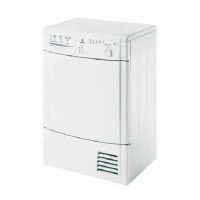
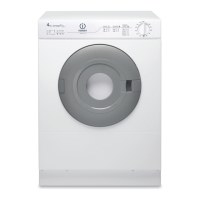
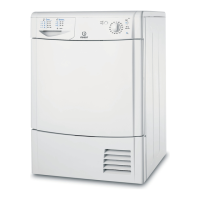
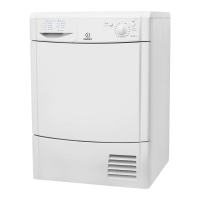
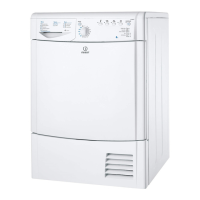
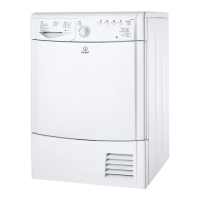
The front The back
Control Panel
Drum
Air Intake Vent
Caution: Hot!
Vent Tube
fitted here
Rating plate
Model & Serial
numbers
Filter


 To Next Page