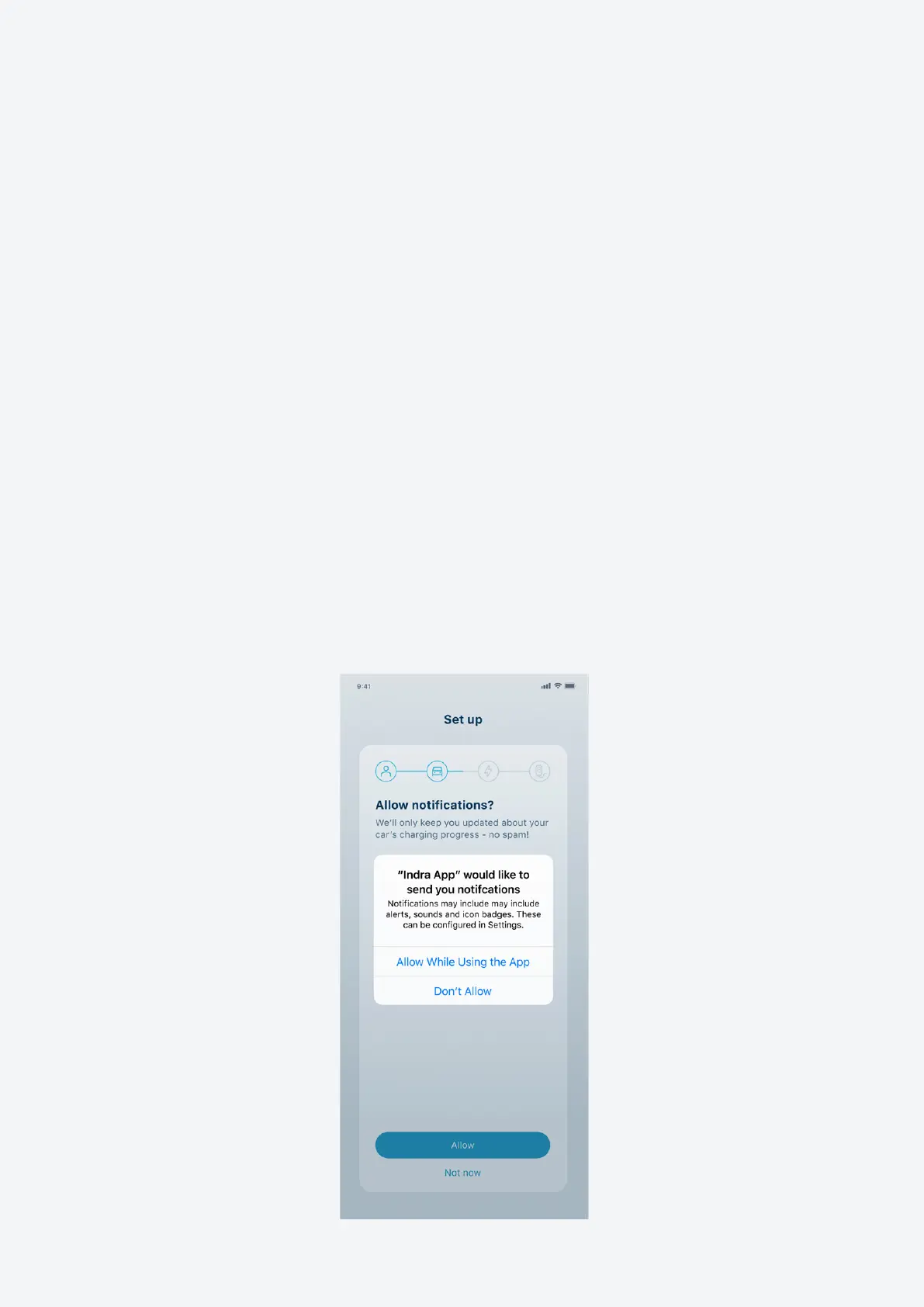
Notications
We’d like to send you notications about your charging status. You can choose which
notications you want to receive as well as how and when you want to receive them.
This is something you have complete control over, and we promise to never send you
unwanted messages.
There are three types of notication:
• Push notications (which go direct to your phone)
• In-app notications (which pop up while you’re using the app)
• Emails
Notications you can choose to receive include:
• Vehicle plugged in
• Charging started
• Charging nished
• Charging error
• Charger error
10 Indra Smart LUX™ User Guide



 To Next Page