EasyManua.ls Logo

INDRA Smart PRO - User Manual

INDRA Smart PRO
16 pages
Print Icon
To Next Page IconTo Next Page
Loading...
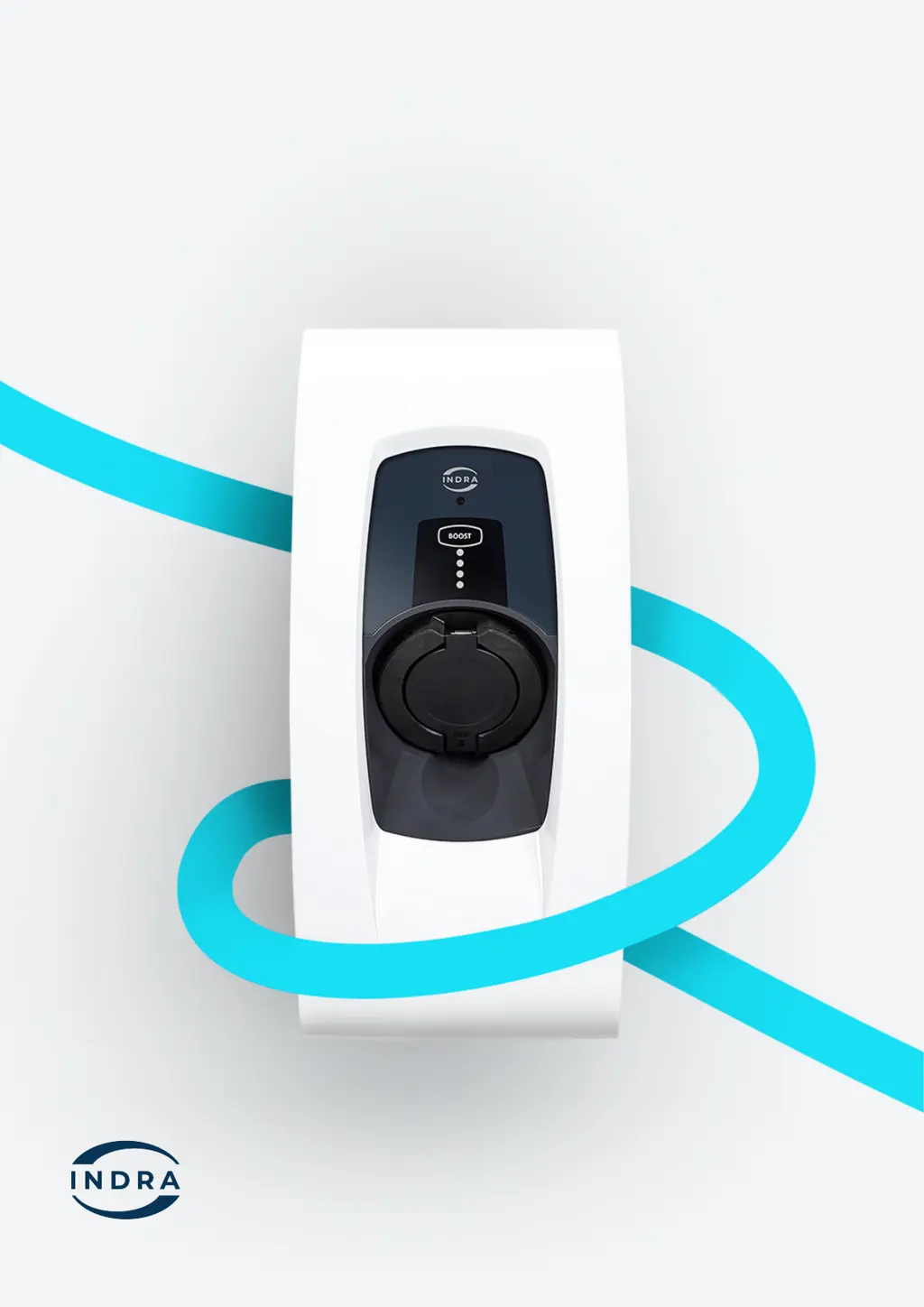
Indra Smart PRO
User Guide
Be at the forefront of EV charging with
Indras pioneering technology

Other manuals for INDRA Smart PRO

Questions and Answers

Summary

Important Safety Notes

Specifications

Controls and Indicators

Primary Status LED

Multi-coloured, highlighting the operational state and mode of the charger.

Charging Status Indication

Four individual LEDs indicating the EV connection status: disconnected, idle, or charging.

Tethered Charging Cable

For tethered variants, the charging cable is attached to the unit.

Charging Connector Holster

Stores the charging connector when not in use to prevent water ingress.

BOOST Button

Overrides schedule for instantaneous charging at maximum rate.

Integrated Cable Storage

Allows the charging cable to be wrapped around the unit when not in use.

Welcome

Overview

Provides a general introduction to the Smart PRO charger and its capabilities.

Downloading the Indra App

Smart Charging

Use the Indra App to set up recurring charging schedules and automatic charging times.

Solar Power

Configure the charger to use surplus solar power for EV charging.

Charging History

View and check your charging history and usage efficiency in the app.

Using Boost

Temporarily override charging schedules to charge the EV at maximum rate.

Getting set up

Info well need about your electricity supplier

Notifications

Setting up scheduling and smart charging

Default schedules

Explains the default charging schedule provided and recommends setting a custom one.

Charging Cable Stowage

Tethered Variants

Instructions for coiling and securing the charging cable for tethered charger models.

Socketed Variant

Instructions for coiling and securing the charging cable for socketed charger models.

LED Status Indicators

Primary LED Meanings

Explains the different states and colours of the primary LED indicator on the charger.

Panel LED Meanings

Describes the states of the four panel LEDs indicating charging status and mode.

INDRA Smart PRO Specifications

General IconGeneral
BrandINDRA
ModelSmart PRO
CategoryBattery Charger
LanguageEnglish

Related product manuals