What do the LEDs on my charger mean?
There are two separate LED indicators on the Smart PRO. The Primary LED indicates the
charger status, while the four panel LEDs highlight the charger’s current mode. Each of
these will illuminate a dierent colour and will emit a sequence of ashes that indicates the
charger’s current state.
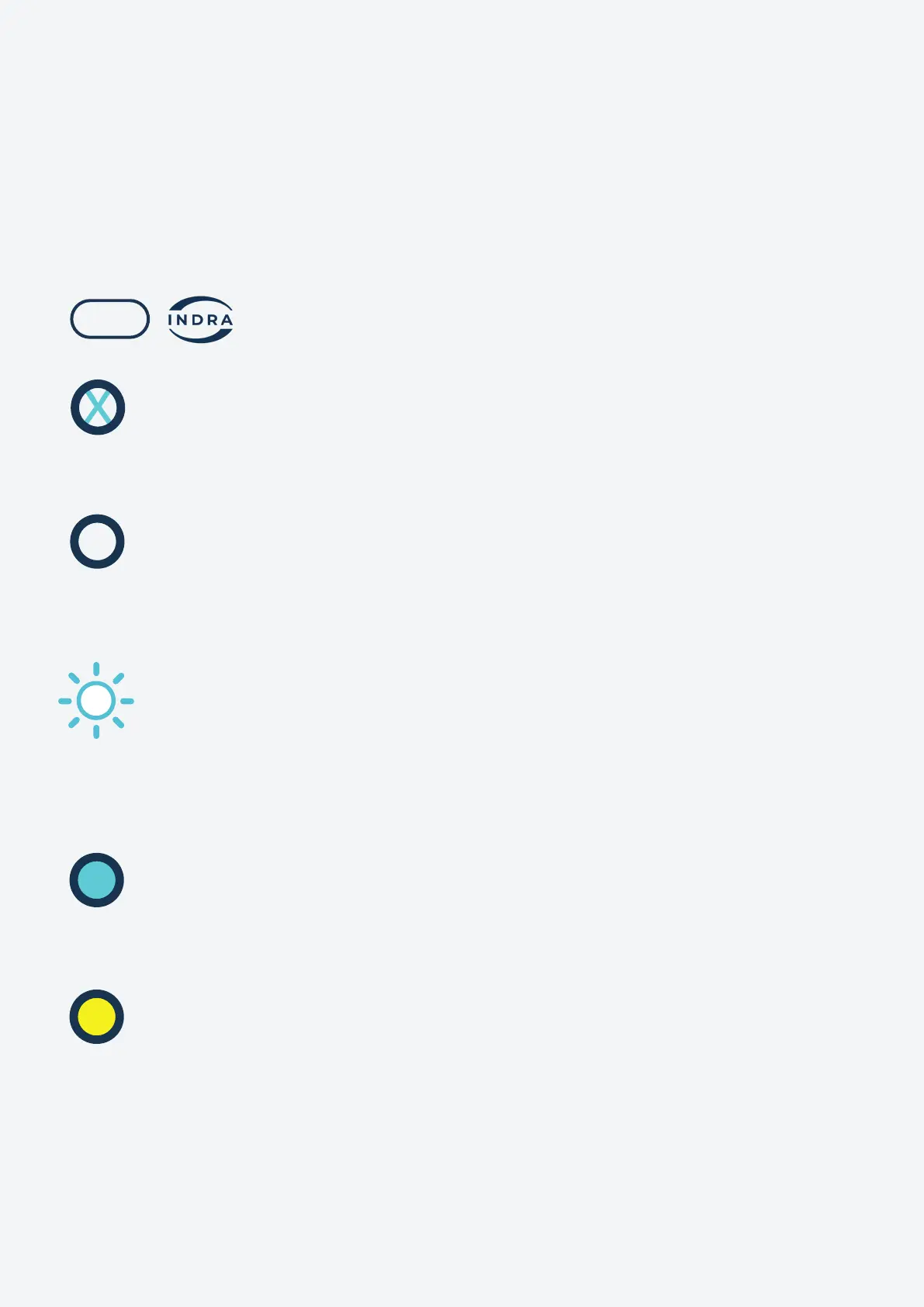
Primary LED lit, white
A solid white LED indicates that the Smart PRO is set up and ready to go. The
charger is now in smart mode and will charge based on the schedule set up in the
Indra App.
Primary LED lit, blue
The Smart PRO is in Boost mode, which is activated using your Indra App or by
pressing the Boost button on the charger.
Primary LED lit, yellow
The Smart PRO is in Solar mode and is accessing energy generated from solar
panels to charge the EV. You can set this up under ‘Electricity Supplier’ in your
Settings menu within your Indra App. When selected, the charger will automatically
use energy from your solar panels when it’s available.
Primary LED ashing, white
The Smart PRO has successfully connected to the Internet and is almost ready to
start charging. If the unit has been switched o for a long period without being
connected to the Internet, then this process may take some time, please contact
customer support for a more accurate timeframe.
LEDs relating to the primary LED light:
ALL LEDs are o
The Smart PRO is not receiving power. It may be disconnected from the mains. Check
all the switches in your (RCD) consumer unit are correctly set.
13


 To Next Page