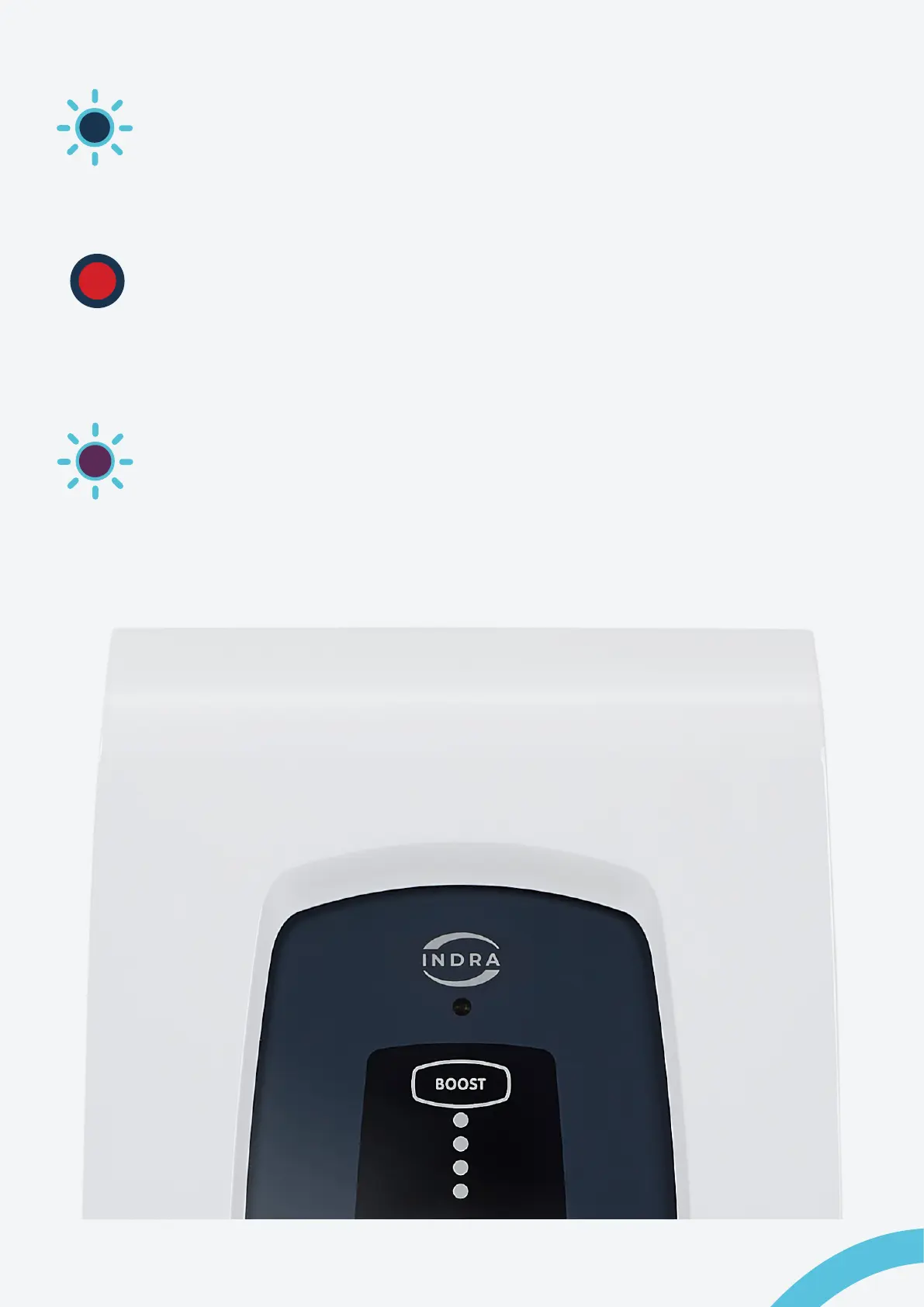
Primary LED ashing, blue
The Smart PRO is processing a software update. Ensure the charger is not
disconnected from the Internet or that power is removed from the unit during this
process.
Primary LED lit or ashing, red
The Smart PRO has encountered an error or a fault. Reset the charger by
turning the rotary isolator switch to the ‘o’ position, or by resetting the main
power switch in your (RCD) consumer unit. If the red light persists, then contact
Customer Support.
Primary LED ashing, purple
A ashing purple light on the Smart PRO indicates that it has lost communication
with the Internet or the Indra App.
14 Indra Smart PRO
User Guide


 To Next Page