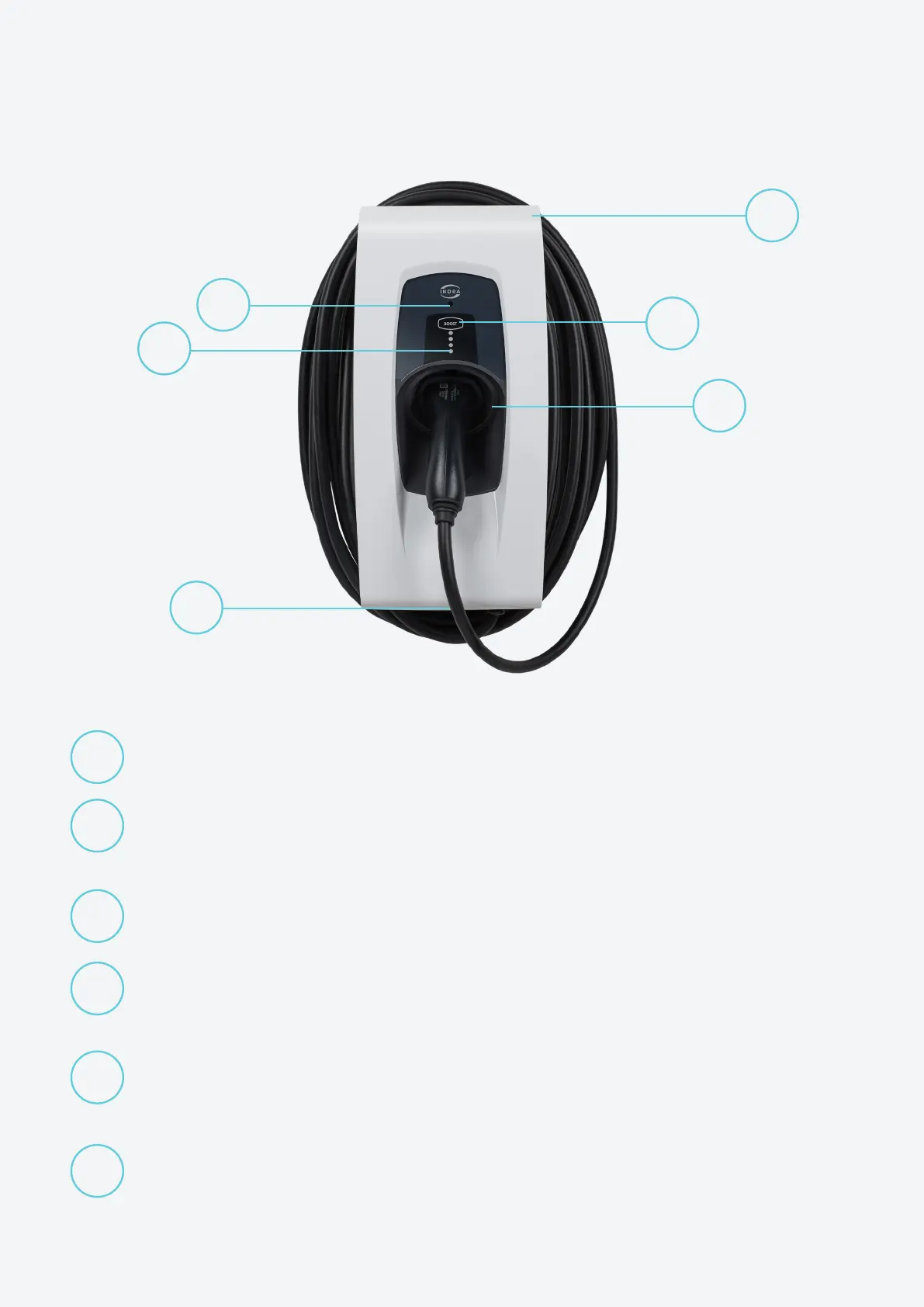
Controls and Indicators
1
2
3
4
5
6
Primary Status LED
Multi-coloured, highlighting the operational state and mode
Charging Status Indication
Four individual LEDs indicating whether the unit is disconnected from your EV,
connected but idle or charging
Tethered Charging Cable
For tethered variants, a charging cable is attached
Charging Connector Holster
When not in use, and to prevent water ingress, the charging
connector should be pushed into the unit’s holster
BOOST Button
If you need to over-ride your pre-set schedule, press BOOST on the
unit or in the App to charge instantaneously at maximum rate
Integrated Cable Storage
When not in use, simply wrap the charging cable around the unit
1
2
3
4
5
6
5



 To Next Page