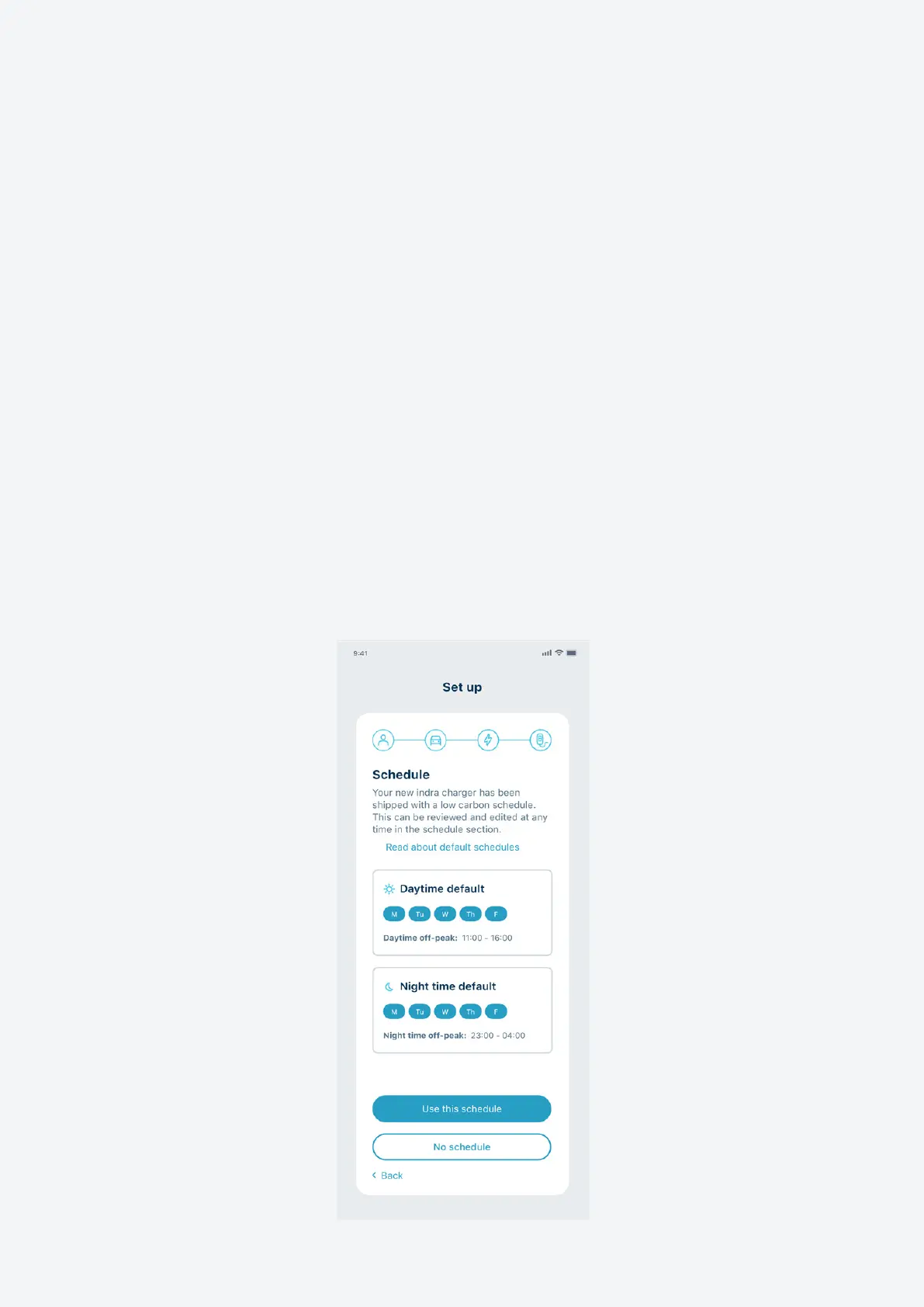
Setting up scheduling and smart charging
Use the Indra App to set up a regular charging schedule. You can choose regular slots
throughout the week and the charger will automatically start charging during those
times, as long as your EV is plugged in.
The app enables you to set the times and days/nights you want to charge and also
how much energy to add (by miles, kWh or amount of money).
If you have more than one electricity tari rate (e.g. peak and o-peak), you can
set up smart charging to charge your vehicle as much as possible during your lower
rate period.
Default schedules
Your charger will come with a default charging schedule, as required by government
legislation. This schedule is designed to reduce power demand at peak times and
protect the national grid. But it might not be the best charging schedule for your
needs, so we recommend you set up your own schedule once your charger is installed.
11


 To Next Page