Controls and Indicators
1
2
3
4
5
6
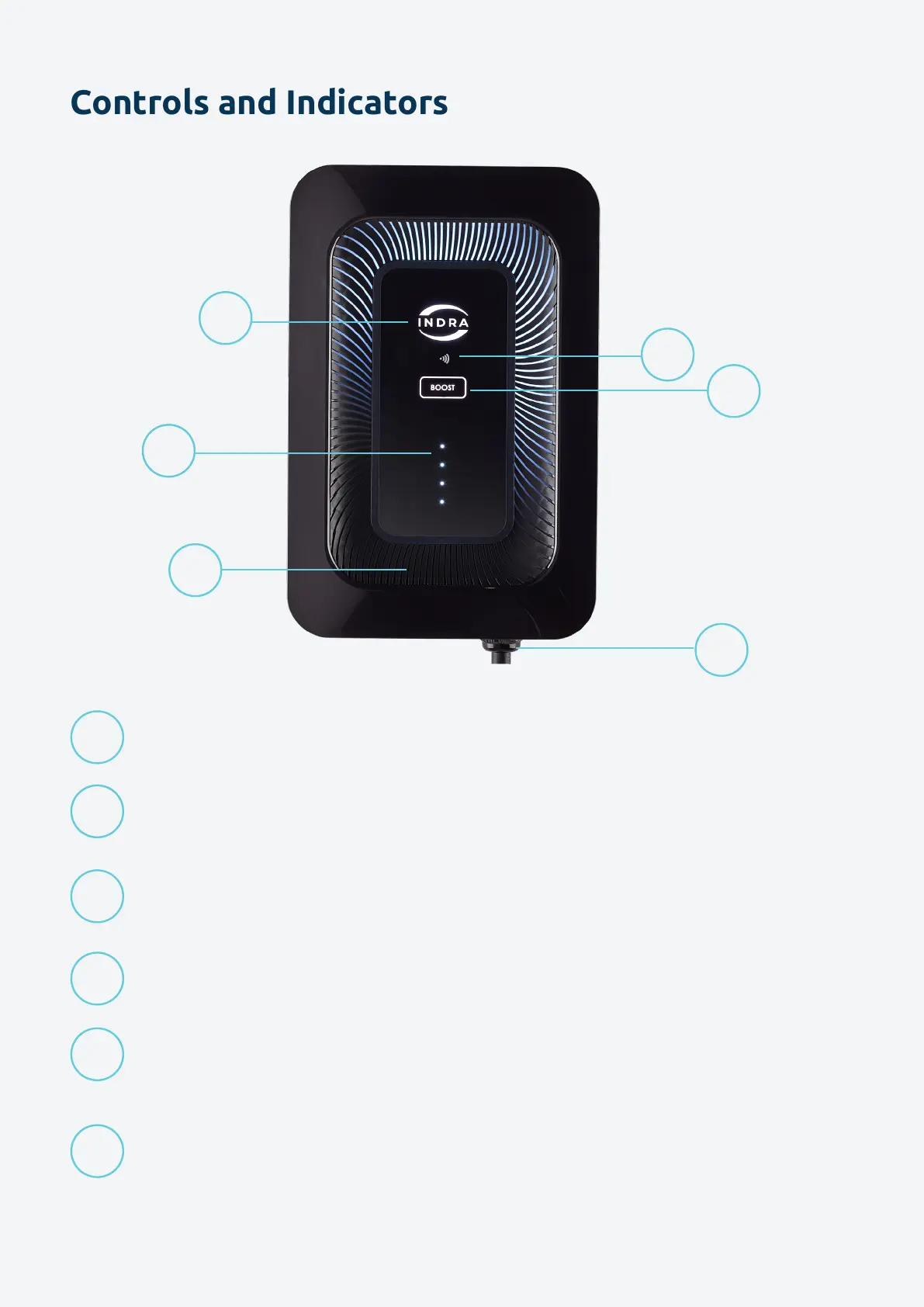
Primary Status LED
Multi-coloured, highlighting the operational state and mode
Charging Status Ascending LEDs
Four individual LEDs indicating whether the unit is disconnected from your EV,
connected but idle or charging
Turbine Indicator LEDs
A ‘halo’ of LEDs complimenting the Charging Status Ascending LEDs, providing
a unique lighting sequence for each charger interaction
Tethered Charging Lead
Your charger will come with a 6m or 10m charging lead attached
BOOST Button
If you need to override your pre-set schedule, press BOOST on the
unit or in the App to charge instantaneously at maximum rate
RFID scanner
Tap your RFID tag in the area of this icon to activate RFID functionality within
your Indra App
1
2
3
4
5
6
5



 To Next Page