Primary LED ashing, blue
The Smart LUX™ is processing a software update. Ensure the charger is online and
that no charging is taking place during this process.
Primary LED solid or ashing, red
Flashing – The charger has identied a potential fault in the supply network and
has stopped charging for safety reasons. If this state endures, power cycle the
charger by turning it o at the consumer unit then back on after a few minutes. If
the charger continues to ash red then call Indra Customer Support on (+44) 01684
770 631.
Solid Red – the charger has detected an error. Power cycle the charger by turning
it o at the consumer unit then back on after a few minutes. If the RED light
continues to display the call Indra Customer Support on (+44) 01684 770 631.
Primary LED ashing, purple
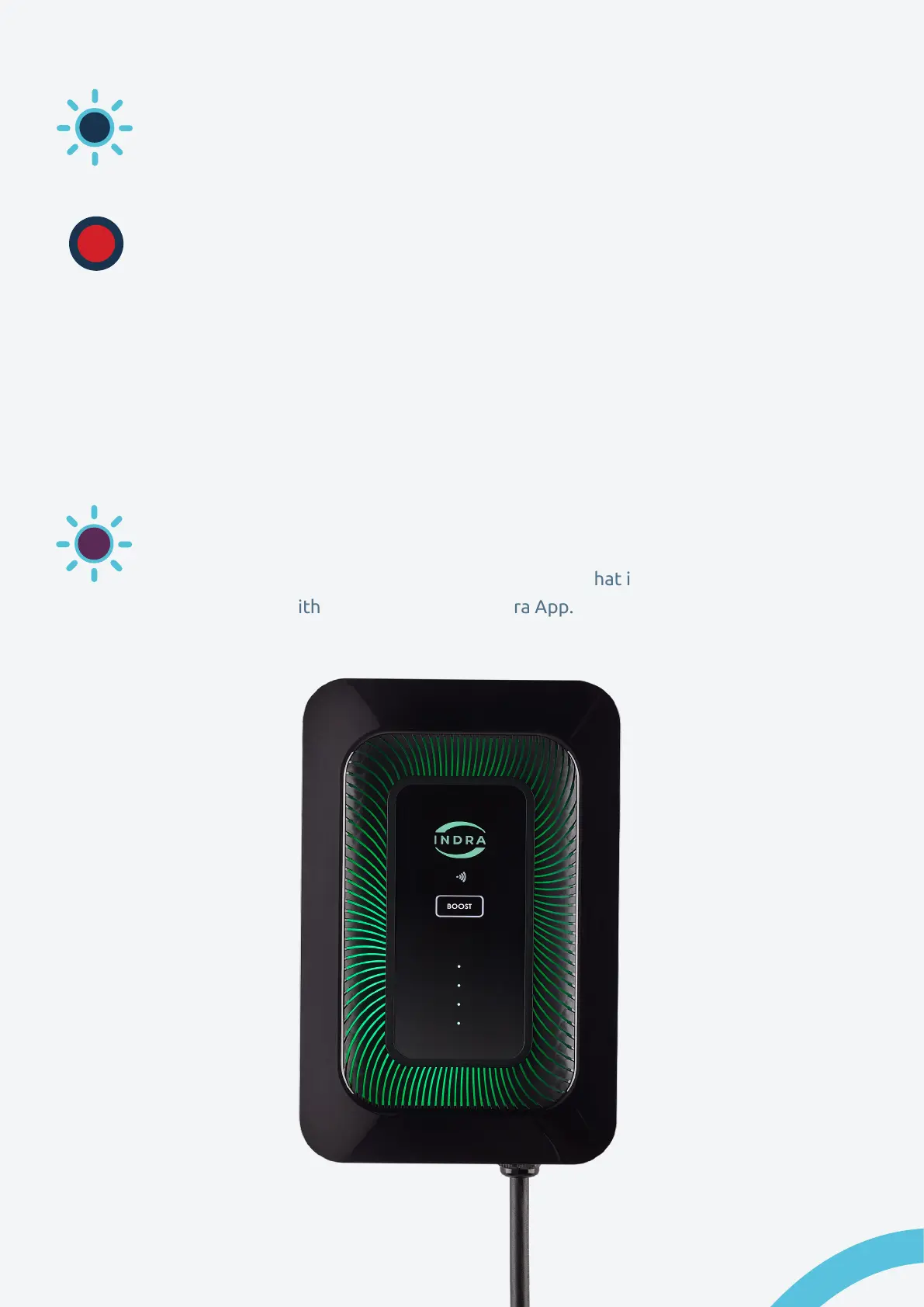
A ashing purple light on the Smart LUX™ indicates that it has lost
communication with the Internet or the Indra App.
14 Indra Smart LUX™ User Guide



 To Next Page