Configuration
12 - DocuPRO Embedded Client for Xerox
Auto configure MFP’s
UltiDev Web Server settings
1. When the installation is completed start the UltiDev Web Server Explorer.
Check if the iXeroxEmbedded application is running.
2. Next go to the Network Addresses tab
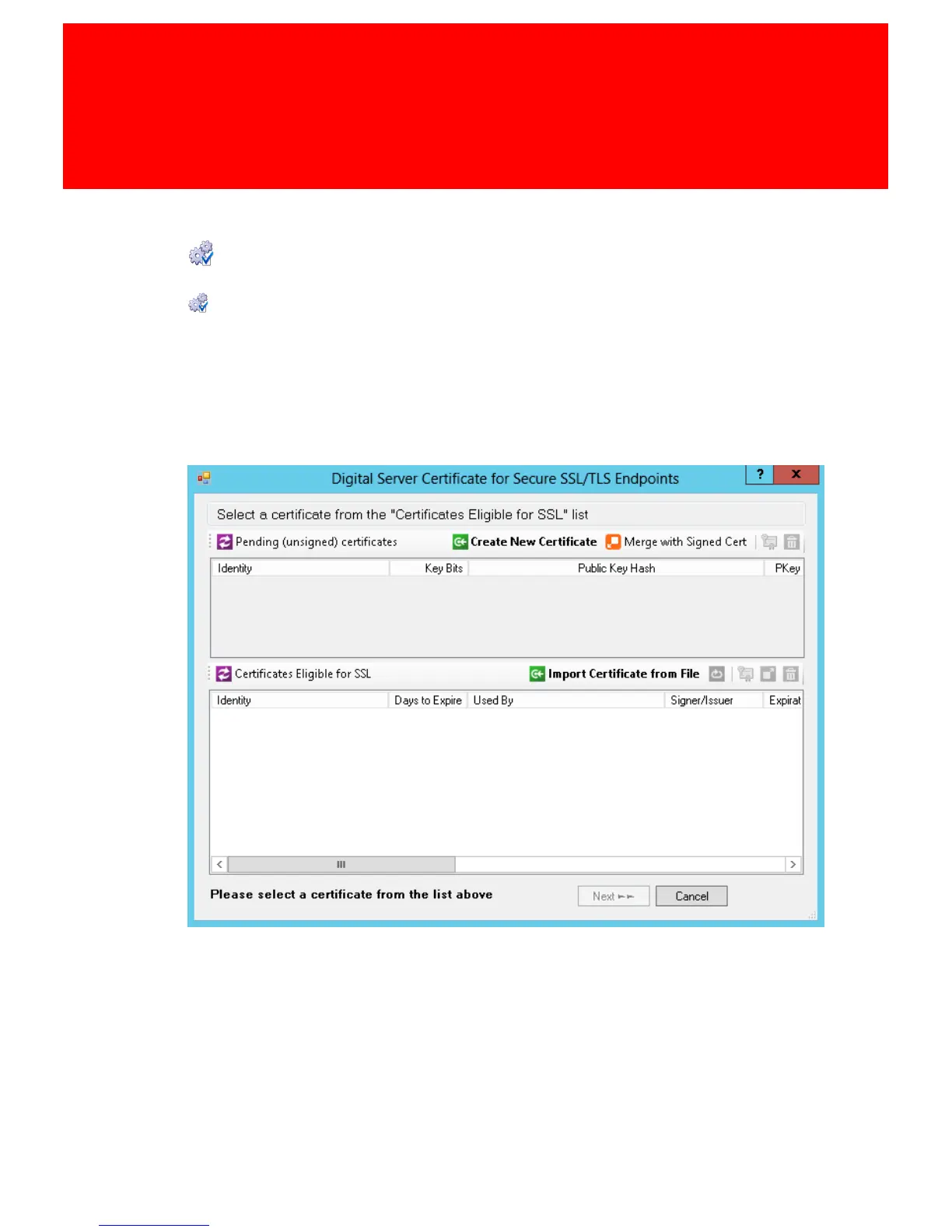
3. Add a SSL Listen Address at port 10056 (Click 'Create a new certificate').
4. A new window opens.



 To Next Page