Configuration
22 - DocuPRO Embedded Client for Xerox
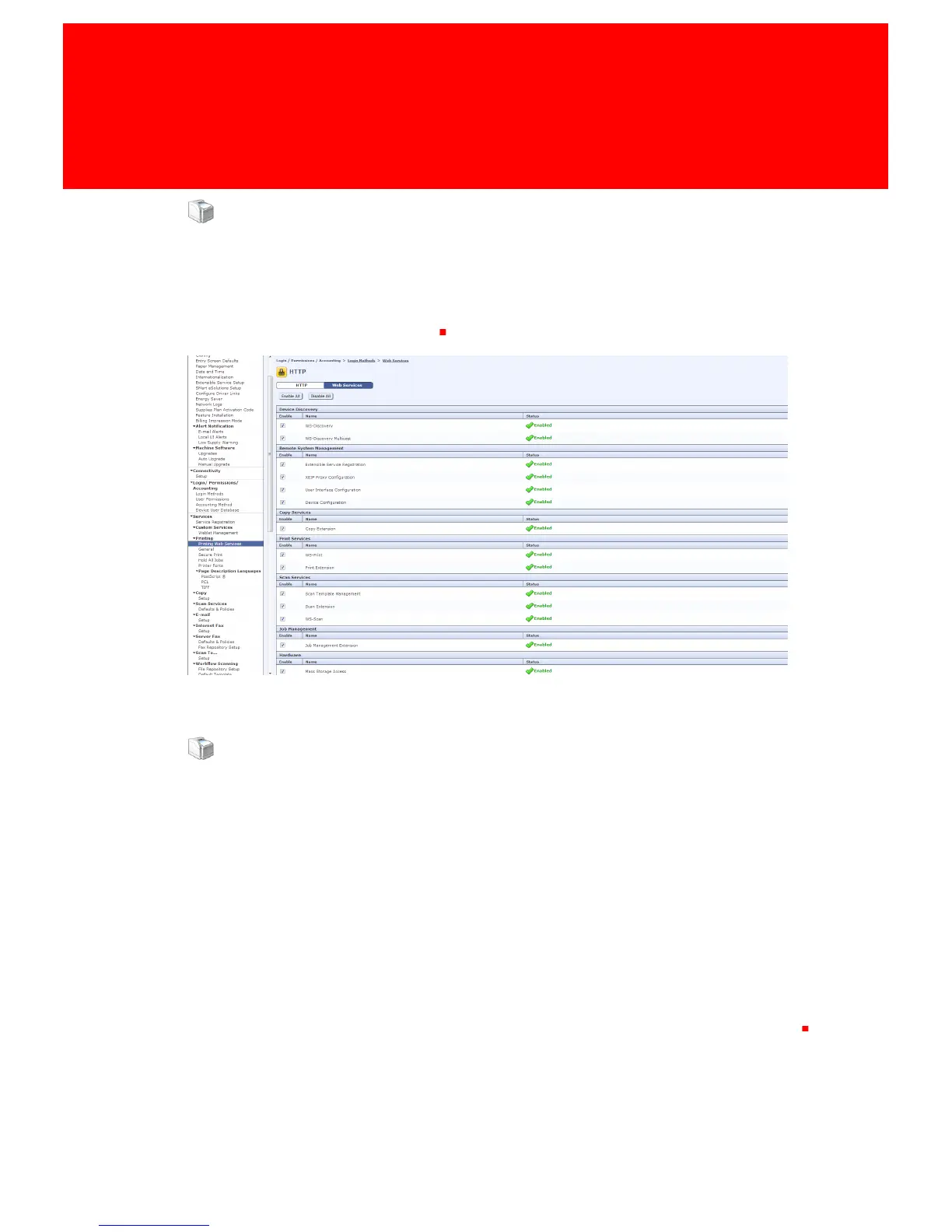
Web Services
At Printing
• Printing Web Services
- Make sure all services are enabled
Check MFP Settings
Please follow these steps to validate that everything during the automatic configuration went ok.
If there where errors during the automatic configuration please also follow these steps.
The specific steps, screen layouts and button/label names can differ between device models.
However the general process is the same for all supported devices.
The following options need to be configured:
§
A Certificate must be present
§
SSL must be enabled
§
Network Accounting must be enabled
§
All applications must be locked
§
The default application should be Inepro DocuPRO
§
Secure Access must be enabled with the correct information
Login to the web browser admin panel via the MFP IP adress and then go to the properties tab



 To Next Page