Configuration
14 - DocuPRO Embedded Client for Xerox
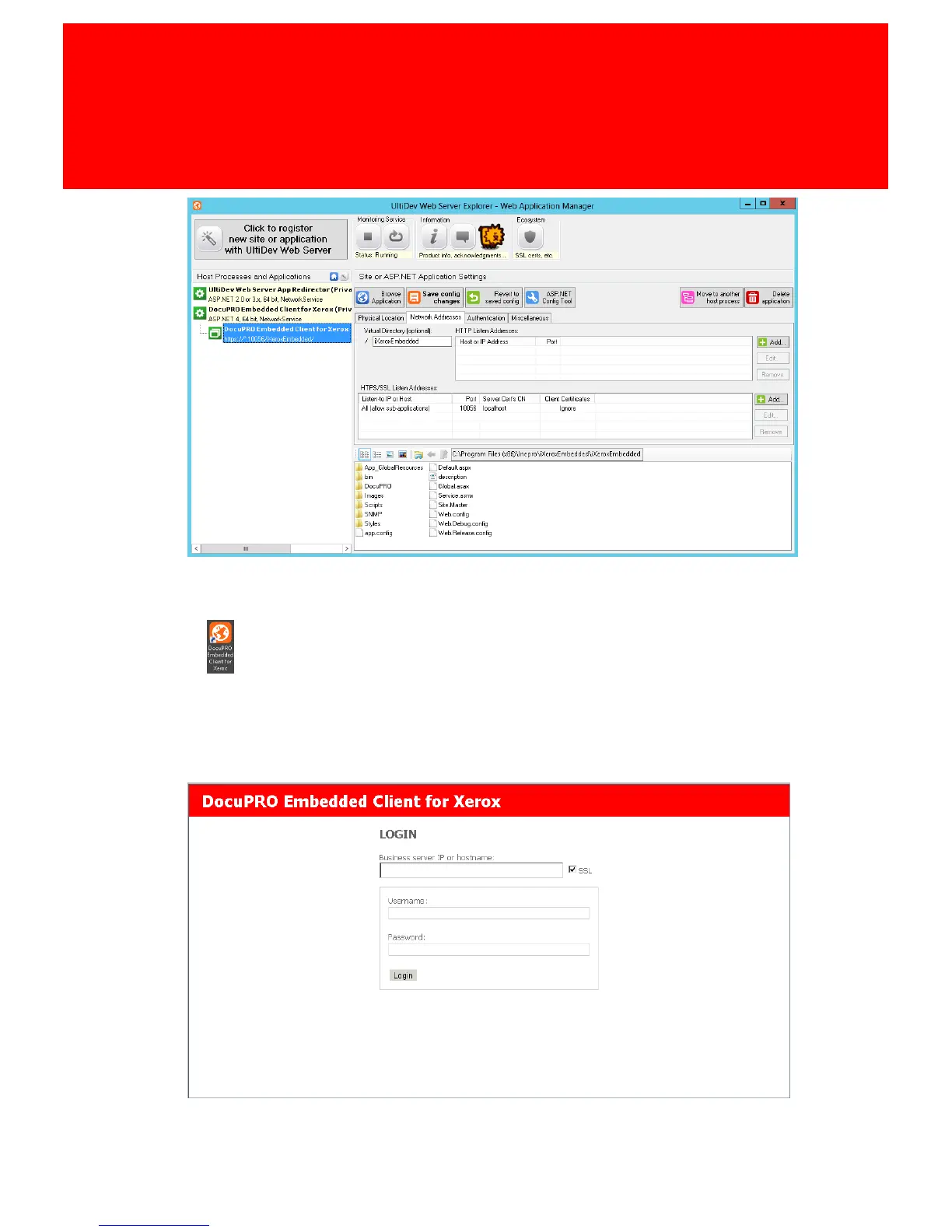
9. Click Save config changes.
10.When the application is running again, browse to
https://localhost:10056/iXeroxEmbedded or click this shortcut on the desktop:
.
11.Fill in the Business server IP or host name and log in with your Inepro
Manager staff authentication (username and password). A Inepro
authentication must have been created in the Inepro Manager, please refer to
the Inepro Back Office Manager for instruction on creating authentication
accounts in the Inepro Back Office Manager.
12.Click login to continue.



 To Next Page