SIMPLE, ADVANCED, DIRECT_IPREADER_RELEASE
ADVANCED = normal. SIMPLE = print all when print is pressed.
DIRECT_IPREADER_RELEASE (business server does this for us)
release all print jobs when logging in.
PERSONAL_ONLY, BUDGET_ONLY, PREFER_PERSONAL,
PREFER_BUDGET, PERSONAL_AND_ASK, BUDGET_AND_ASK,
USE_ALL_PURSES.
Second language option in Settings screen.
Logoff customer when tag is removed.
Language of terminal; if UseCustomerLanguage is not TRUE
and the manager language is set to Auto. Also language option
in Settings screen.
Third language option in Settings screen
Must use cost centres. If customer doesn't have any, don't
allow budget.
Use the customer language, if the user has a language and the
manager language is set to Auto.
Refer to the Inepro Business Server manual for detailed explanation of the
functions.
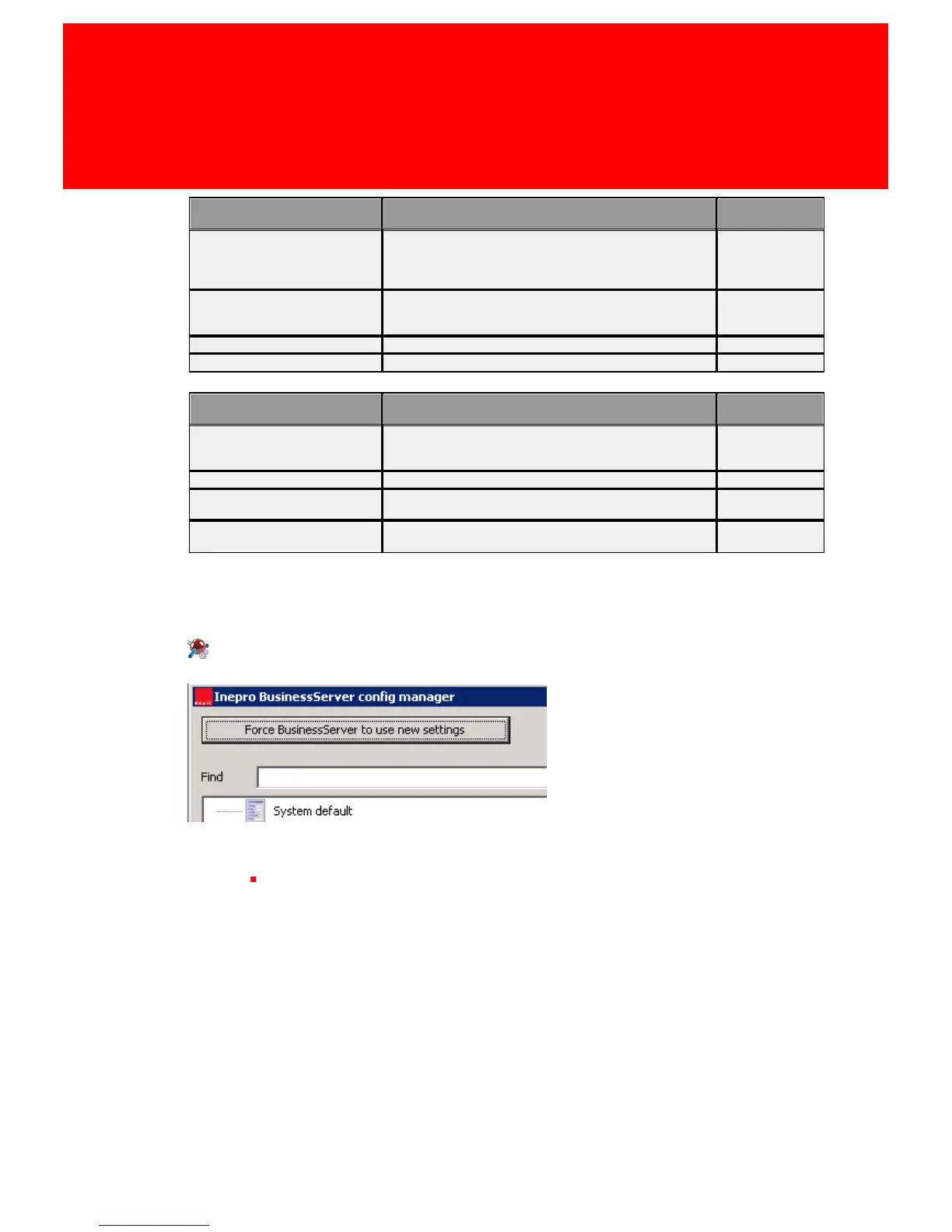
Activate Settings
Use the 'Force Business Server to use new settings' button to use the new
settings



 To Next Page