Need help?
Do you have a question about the Infant Optics DXR-5 and is the answer not in the manual?
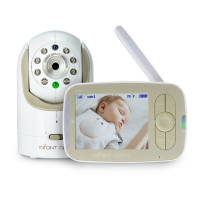
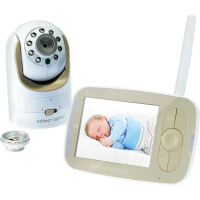
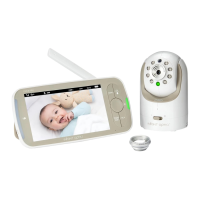
Details of the monitor unit's display, audio, frequency, and controls.
Details of the camera unit's sensor, lens, night vision, and mounting options.
Steps to connect and charge the monitor unit's battery.
Instructions for connecting the camera unit and preparing it for use.
Guide on how to turn on both the monitor and camera units.
How to control the sound level on the monitor unit using dedicated buttons.
Instructions for changing the display brightness of the monitor unit.
Explanation of the voice-activated standby mode to conserve energy.
Description of the feature that silences white noise when no sound is detected.
How the camera unit's infrared LEDs activate for dark environments.
Steps to properly turn off both the monitor and camera units.
Explains the meaning of various LED lights on the monitor and camera units.
Details on the monitor unit's battery charging process and indicator lights.
Guidance on where to place and how to mount the monitor unit.
Mounting options for the camera unit (Wall Mount, Flat Bed).
How to use the included stand for the camera unit.
Step-by-step guide to pair additional camera units to the monitor.
Solutions for issues where no video appears on the monitor screen.
Troubleshooting steps for when video is lost after the initial startup.
Addresses issues related to weak or lost wireless signal between units.
Solutions for audio feedback or squealing sounds from the monitor.
Steps to resolve problems with battery charging.
Guidance on resolving interference issues with other wireless devices.
Tips for adjusting video quality and understanding night vision limitations.
Solutions for intermittent audio issues, often related to Auto-Mute.
 General
| Type | Digital Video Baby Monitor |
|---|---|
| Battery Life | 10 hours |
| Night Vision | Yes |
| Temperature Monitoring | Yes |
| Sound Activated LED Indicators | Yes |
| Pan-Tilt-Zoom | No |
| Interchangeable Lens | No |
| Weight | 1.1 pounds |
| Display | LCD |
| Range | 800 feet (open space) |
| Audio | Two-way talk |
| Power Source | AC adapter, Rechargeable battery (Parent Unit) |
| Display Size | 2.4 inch |

 To Next Page