EasyManua.ls Logo

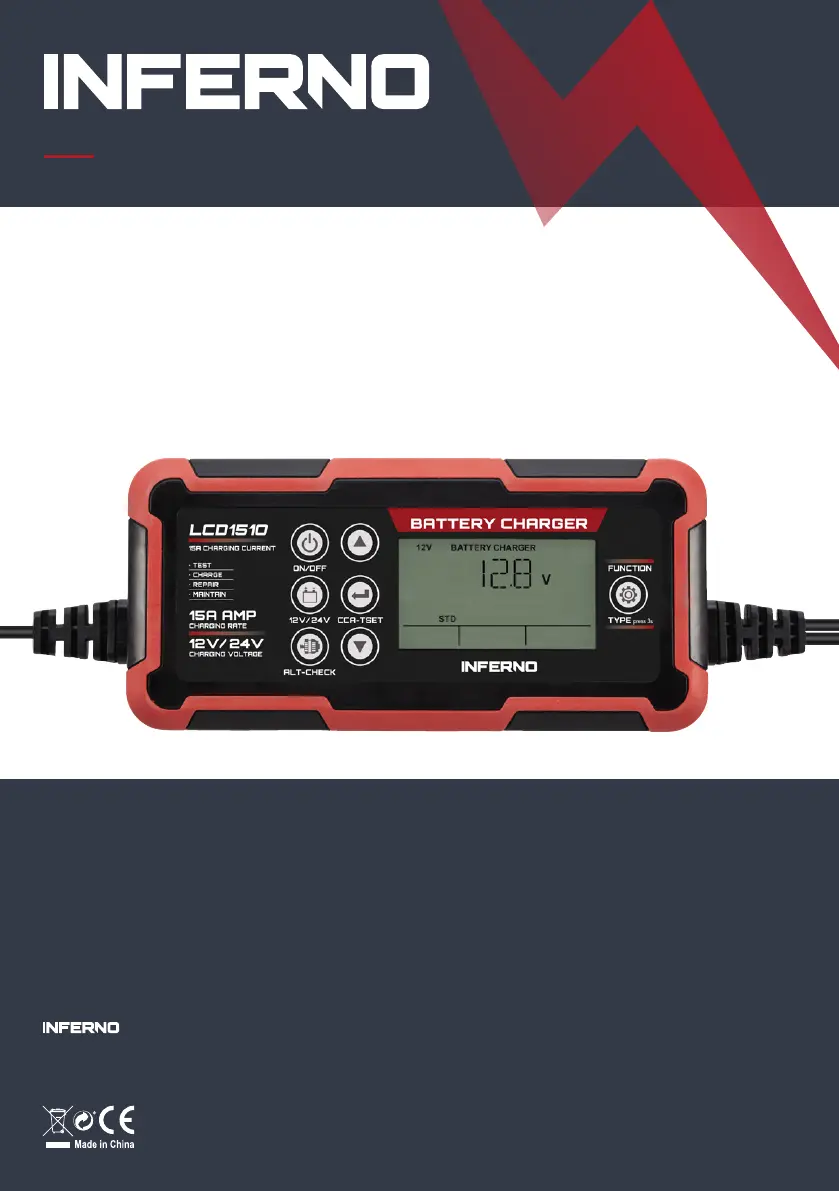
Inferno LCD1510 - User Manual

Inferno LCD1510
76 pages
Print Icon
To Next Page IconTo Next Page
Loading...
// USER GUIDE_EN 1
Battery charger
[ LCD1510 ]
Batterilader / Batteriladdare / Batterieladegerät /
Cargador de batería / Chargeur de batterie /
Acculader / Ładowarka do akumulatorów
POWER
EN_User Guide
DK_Brugervejledning
NO_Bruksanvisning
SE_Bruksanvisning
DE_Gebrauchsanleitung
ES_Instrucciones de uso
FR_Instructions d’opération
NL_Gebruiksaanwijzing
PL_Instrukcja obsługi
[ Item no. 40246 ]
T. Hansen Gruppen A/S
Stensgårdvej 1
DK-5500 Middelfart
Tlf.: +45 31 31 31 31

Questions and Answers

Summary

Inferno Battery Charger LCD1510

Important Safety Instructions

Safety Precautions for Working in the Vicinity of a Battery

Safety guidelines for handling batteries, including ventilation, sparks, jewelry, tools, and eye protection.

Safety Precautions for Using the Charger

Guidelines for charger placement, avoiding rain/wet conditions, and proper connection/disconnection procedures.

About the Battery Charger

LCD Icons

Explanation of icons displayed on the battery charger's LCD screen for various functions and status.

Connecting to the Battery

Instructions for identifying battery posts and correctly connecting charger clamps to the battery or vehicle chassis.

Technical Specifications

Charging Modes

Using 12 V Lithium

Mode specifically for charging 12V lithium-ion (LiFePO4) batteries; consult manufacturer for compatibility.

Using Repair (12 V Only)

Advanced recovery mode for repairing old, idle, or sulfated lead-acid batteries; not all batteries are recoverable.

Using 13.6 V Supply

Converts the charger to a constant DC power supply (13.6V at 10A max) for 12VDC devices or memory retention.

Using 12 V Boost

Advanced mode for jump-starting a 12V lead-acid battery with a 5-minute charge; use sparingly.

Using 12 Alternator Check

Checks the vehicle's charging system output percentage by measuring alternator performance.

Using 12 Battery Health Check

Analyzes lead-acid battery health by checking CCA, SOC, SOH, and internal resistance.

Charging Steps

Step 1: Diagnosis

Checks battery connection and voltage to diagnose the battery status.

Step 2: Desulphation

Applies pulsing current to remove sulphate from low-voltage batteries (up to 10 minutes).

Step 3: Analyse

Checks if the battery voltage is sufficient for charging after desulphation.

Step 4: Soft Start

Initiates charging with a constant current.

Step 5: Bulk

Charges with maximum constant current until the target voltage is reached.

Step 6: Absorption

Provides gradually declining current to achieve maximum battery voltage.

Step 7: Analyse

Tests the battery's ability to hold a charge.

Step 8: Maintenance

Continuously monitors battery and adjusts charging current.

Trouble Shooting

Error: Over Heat

Charger pauses automatically due to overheating; it will resume when cooled.

Error: No Connection

Indicates issues like open-circuit, dirty posts, dead battery, or short circuit.

Error: Battery Voltage Mismatch

Occurs when charging a 12V battery in 24V mode; requires restarting with correct mode.

Error: Bad Battery

Battery cannot store electric or be recovered; suggest replacement or repair mode trial.

Error: Reverse Polarity

Charger detected reversed polarity; exchange clamp connections to correct battery posts.

Error: Overload

In SUPPLY mode, the charger will shut down for 30 seconds to protect against overload.

Warranty

Inferno LCD1510 Specifications

General IconGeneral
BrandInferno
ModelLCD1510
CategoryBattery Charger
LanguageEnglish

Related product manuals