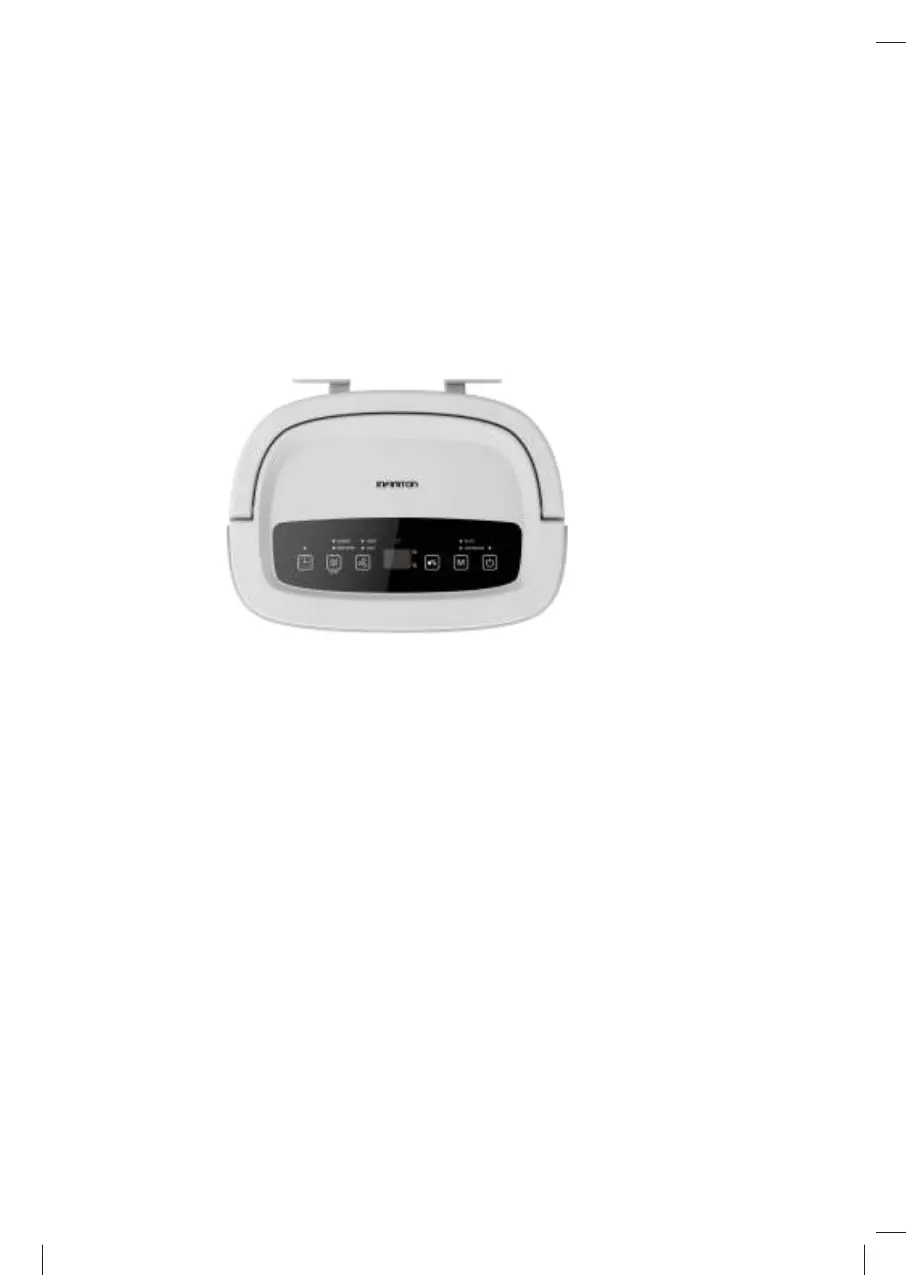
CONTROL PANEL
Display screen:
in auto dehumidifying or cloth dry mode, it will indicate the
actual room humidity. You can also set the humidity from “setting humidity”.
In timermode, it indicates the setting time.
Timer: 24 hours timer. Press the key to set the timer off or on. Timer ranges
from
1
t
o
2
4 hours; it will increase
1 hour by every press of the key. Press
key until”--” flash. There is a cancel function as well. To cancel the timer set-up,
press the timer button twice continuously after confirming setup.
Internal drying function: press the key to start the function.
Fan: press the key to choose high or low fan speed.



 To Next Page