37 inniton.es
English
How to use
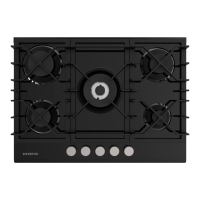
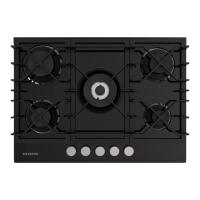
How to use your Inniton gas hob
The following symbols will appear on the control panel near each control knob:
Gas off / cut off gas supply to this re
Long ame (maximum setting)
Short ame (minimum setting)
• The minimum setting is the one at the counterclockwise end.
• All operating positions must be selected between the maximum and minimum positions.
• The symbol on the control panel near the control knob will indicate the operation of the burner in
question.
Automatic ignition with ame failure safety device
The product is equipped with a ame failure safety device on each burner, which is designed to stop gas
leakage.
Switching on the gas hob
1. Press the control knob of the hob you wish to plug in and turn it anticlockwise to the maximum posi-
tion.
2. Holding down the knob will activate the automatic ignition of the hob.
3. Hold down the knob for 15 seconds after the ame appears. If after 15 seconds the burner has not ig-
nited, stop using the appliance, open the door and/or wait at least 1 minute before attempting ano-
ther ignition.
4. After this 15 second interval, to regulate the ame, you must continue to turn the knob anticlockwise
until the ame has a considerable level.
5. The operating position must be between the maximum and minimum position.
6. To turn the cooker off, turn the knob to the gas position.
7. In the event of a misre, the burners can be properly covered with a match.



 To Next Page