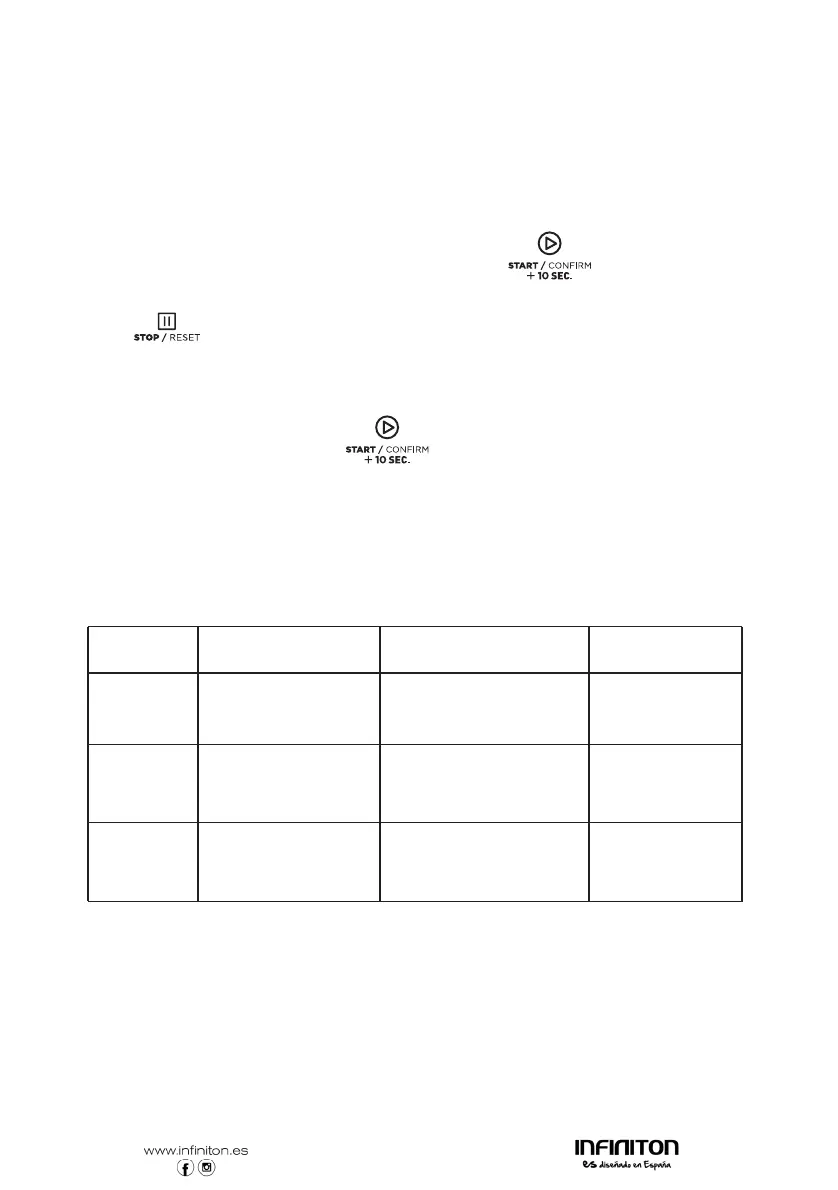
15. Service Mode
1) Open the oven door and press "3" for 5 seconds to enter service mode.
2) LED displays "SERVICE".
3) To check the times of closing or opening the door, just press number button "3",
LED will display the times.
4) Press number button "4" in ,
"4-CLEAR" displays.
5) Press " " to enter Door Open Mode. Close the door will enter Ready Mode.
16. Factory-default setting
In power up and ready mode, press" " and " o " to factory--defauct setting.
the message will be cancelled.
Press " " and
"CLEARED" displays,
EXPERT COOKING GUIDE
Item
Time
Power
1
2
3
P100
P100
P70
Sandwich
Chicken breast
Pizza
40seconds
50seconds
3minutes5 seconds
5



 To Next Page