Timer Mode
·
In standby mode, press Timer button to set ON time. A range of 0 to 24 Hours
could be set with UP/DOWN button. Timer indicator will light up in this mode.
·
Under running state
,
press Timer button to set OFF time. A range of 0 to 24
Hours could be set with UP/DOWN button. Timer indicator will light up in
this mode.
Clean and Maintenance
Drainage
With self-evaporating system, the appliance could perform better and save energy
in a way of cooling down condensor by reusing condense water.
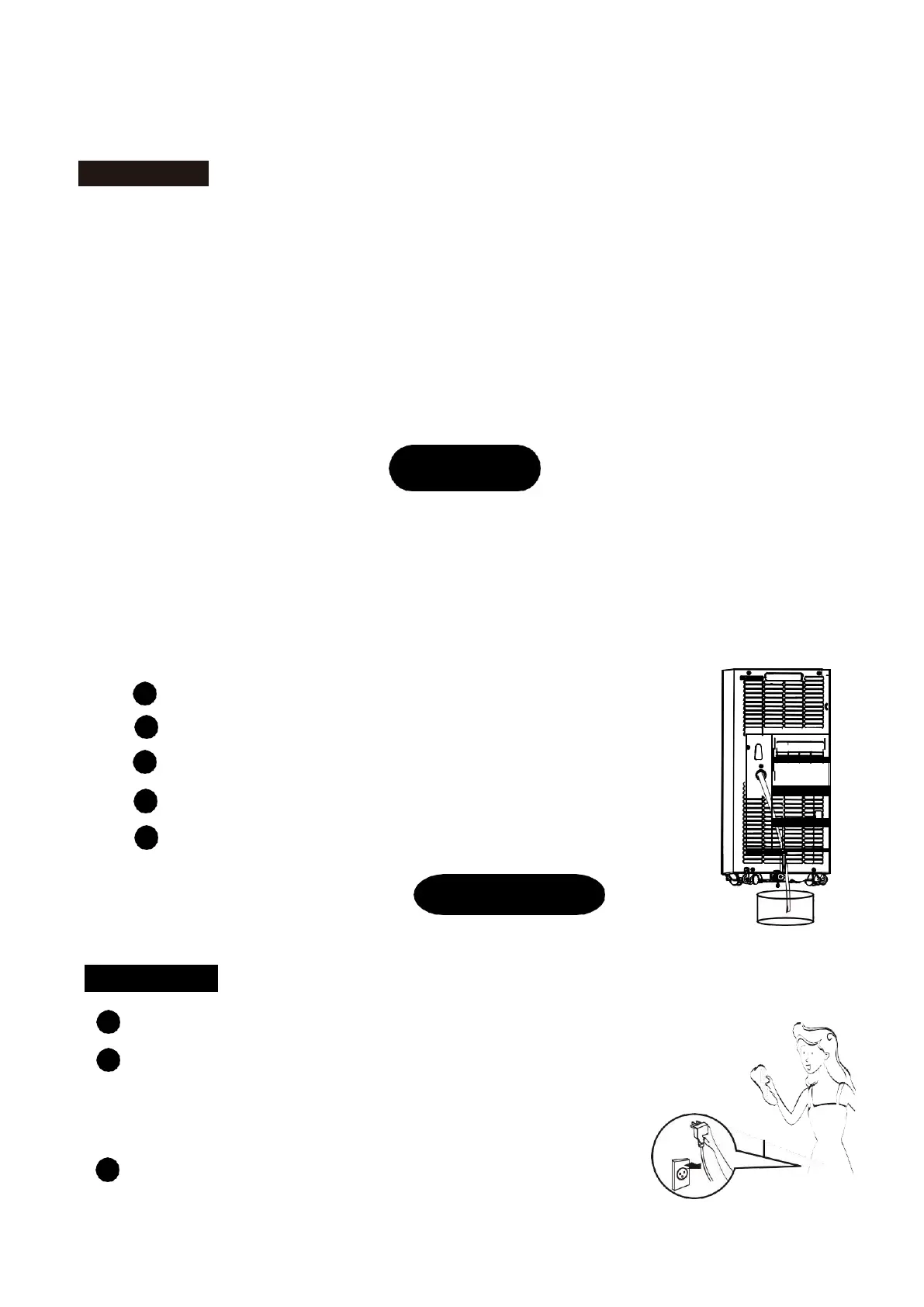
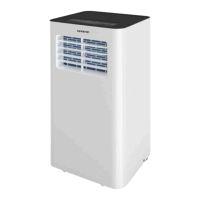
The appliance would display „FL‟ with buzz sound, if built-in water container is full.
After compressor stops, please drain water as follows:
1
Unplug and dismantle air exhaust duct;
2
Move the appliance to a right place;
3
Pull out the water plug,and drain all water;
4
Re-insert the water plug;
5
Re-install the air exhaust duct, restart the appliance.
Maintenance
Warning: In case of electric shock, turn off and unplug before repair or maintenance.
Body Clean
1
Unplug before cleaning.
2
Clean with soft and half-wet cloth. In case of damage to
appearance or the appliance, never use chemical reagent,
such as benzene, alcohol and gasoline.
3
Never let splash water enter the appliance.


 To Next Page