Connections
-7-
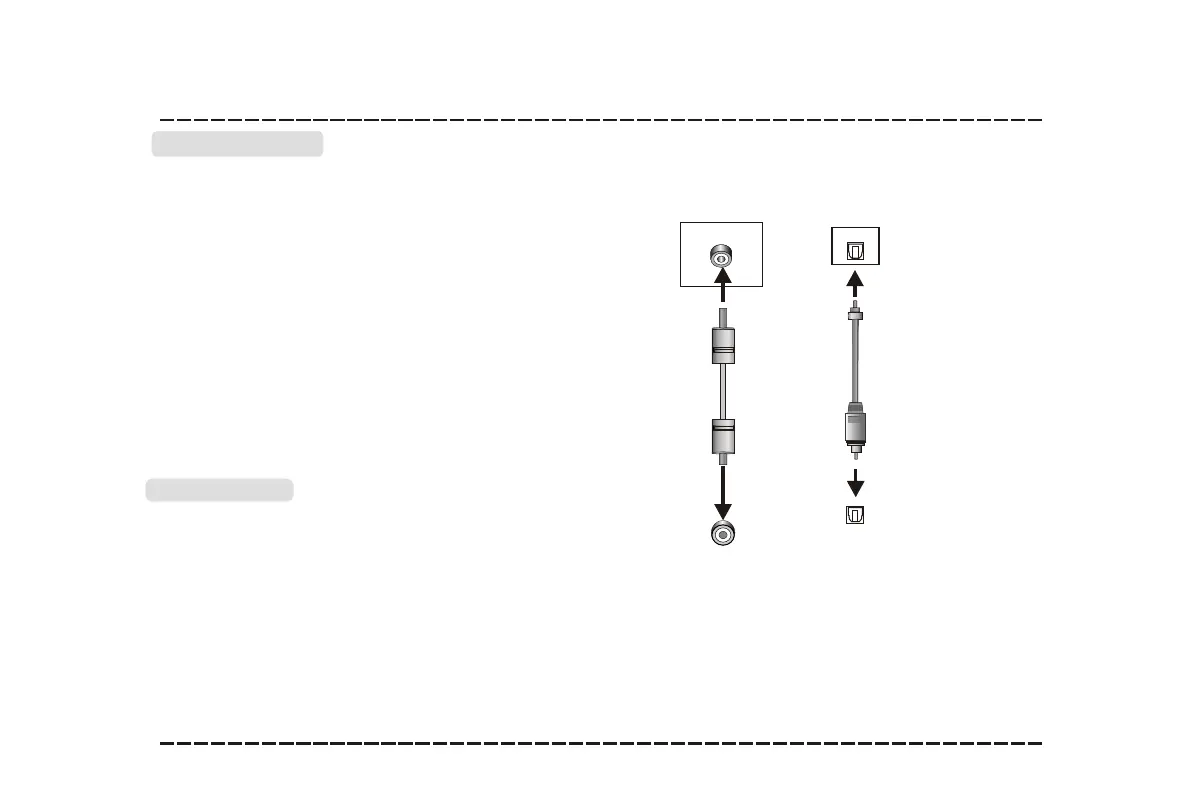
LINE IN
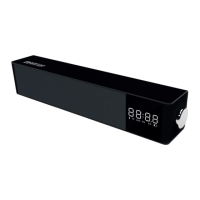
This sound bar has an extra groups of
audio input terminals. You can input the
analogue stereo audio signals from extra
devices such as VCD, CD, VCR, DVD
player, etc.
Use the audio cable to connect the stereo
audio output terminals of a VCD, CD,
VCR,DVD player to the stereo input
terminals LINE IN of this sound bar. Its
corresponding signal source is LINE IN
which can be available while the indicator
light keep solid green by pressing
[LINE/USB] on the remote control.
OPTICAL
Optical Input
Optical Output
Use the optical cable to connect the optical
input of this sound bar to the optical output
of VCD, CD, VCR, DVD player.
Optical Input
LINE Output
Connections
-7-
LINE IN
This sound bar has an extra groups of
audio input terminals. You can input the
analogue stereo audio signals from extra
devices such as VCD, CD, VCR, DVD
player, etc.
Use the audio cable to connect the stereo
audio output terminals of a VCD, CD,
VCR,DVD player to the stereo input
terminals LINE IN of this sound bar. Its
corresponding signal source is LINE IN
which can be available while the indicator
light keep solid green by pressing
[LINE/USB] on the remote control.
OPTICAL
Optical Input
Optical Output
Use the optical cable to connect the optical
input of this sound bar to the optical output
of VCD, CD, VCR, DVD player.
Optical Input
LINE Output
LINE IN
Line Input
AUDIO INPUT
AUDIO OUTPUT


 To Next Page