6 TOLL FREE: 1-888-668-9600
33
Carpets
3
24
1
1
5
11
Bare Floors
22
Bare Floors
(and Tools)
Carpets
Using the Vacuum
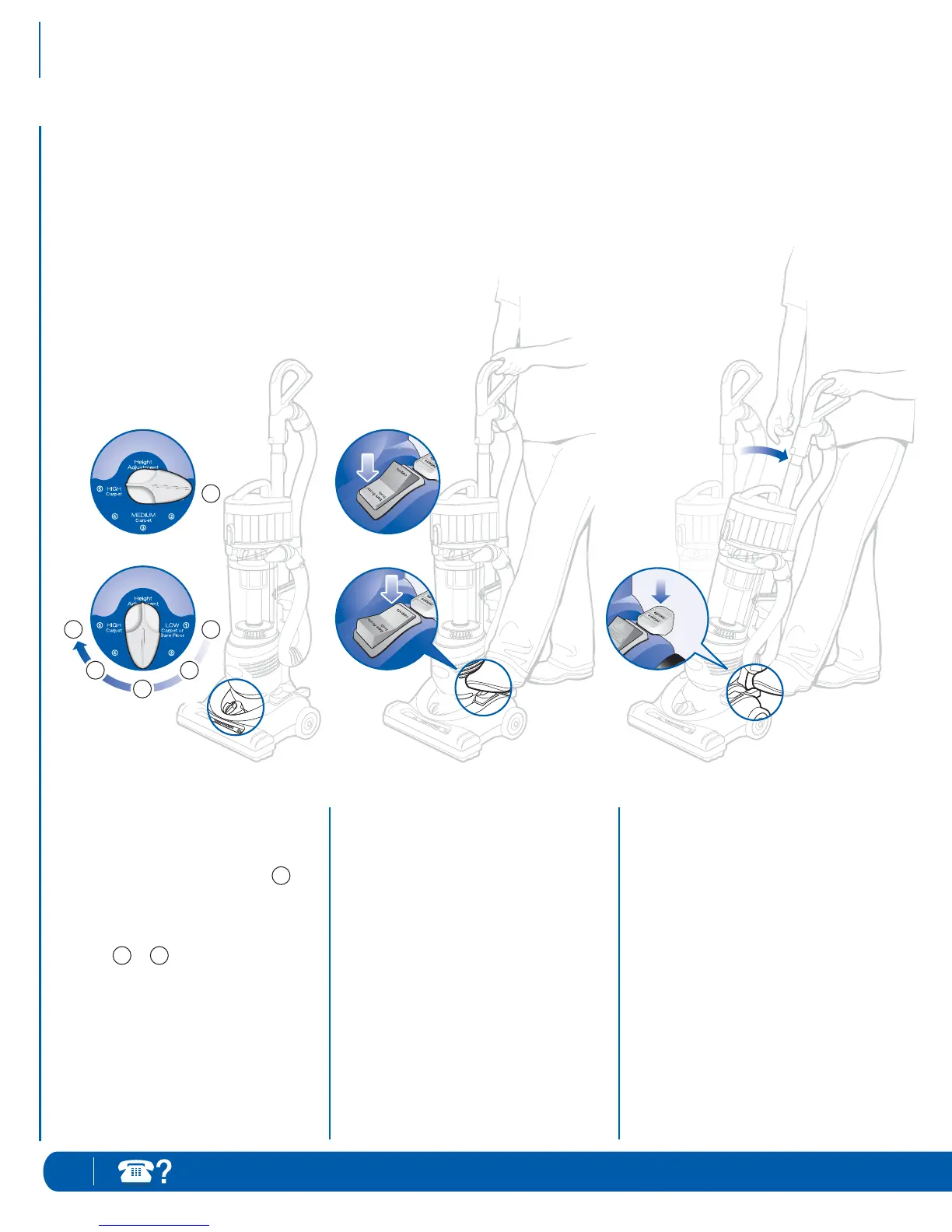
1 Set the Height Adjustment Dial.
When cleaning bare floors:
Set Height Adjustment Dial at
When cleaning carpets:
Adjust the Height Adjustment Dial
from to , depending on your
carpet style (low pile/scatter rugs,
plush carpets, deep pile carpets).
• Select lowest setting for maximum
cleaning.
• Select higher settings for easier
pushing on thicker carpets.
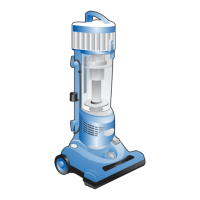
Your Infinity Upright Vacuum is a
versatile tool that can be used to clean
bare floor surfaces or carpets – with the
click of a button.
Lock vacuum into the upright position.
Plug in the vacuum.
2 Set the Brush Roll Pedal for bare
floors/tools or carpets.
When cleaning bare floors:
Depress bare floors/tools side of
pedal [forward] to lock the brush roll.
When cleaning carpets:
Depress carpets side of pedal [back]
to engage the brush roll.
3 Step on Handle Release Pedal to
release unit from locked position.
1
15



 To Next Page