5
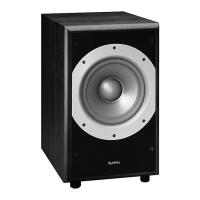
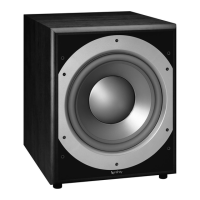
PRIMUS PS-8
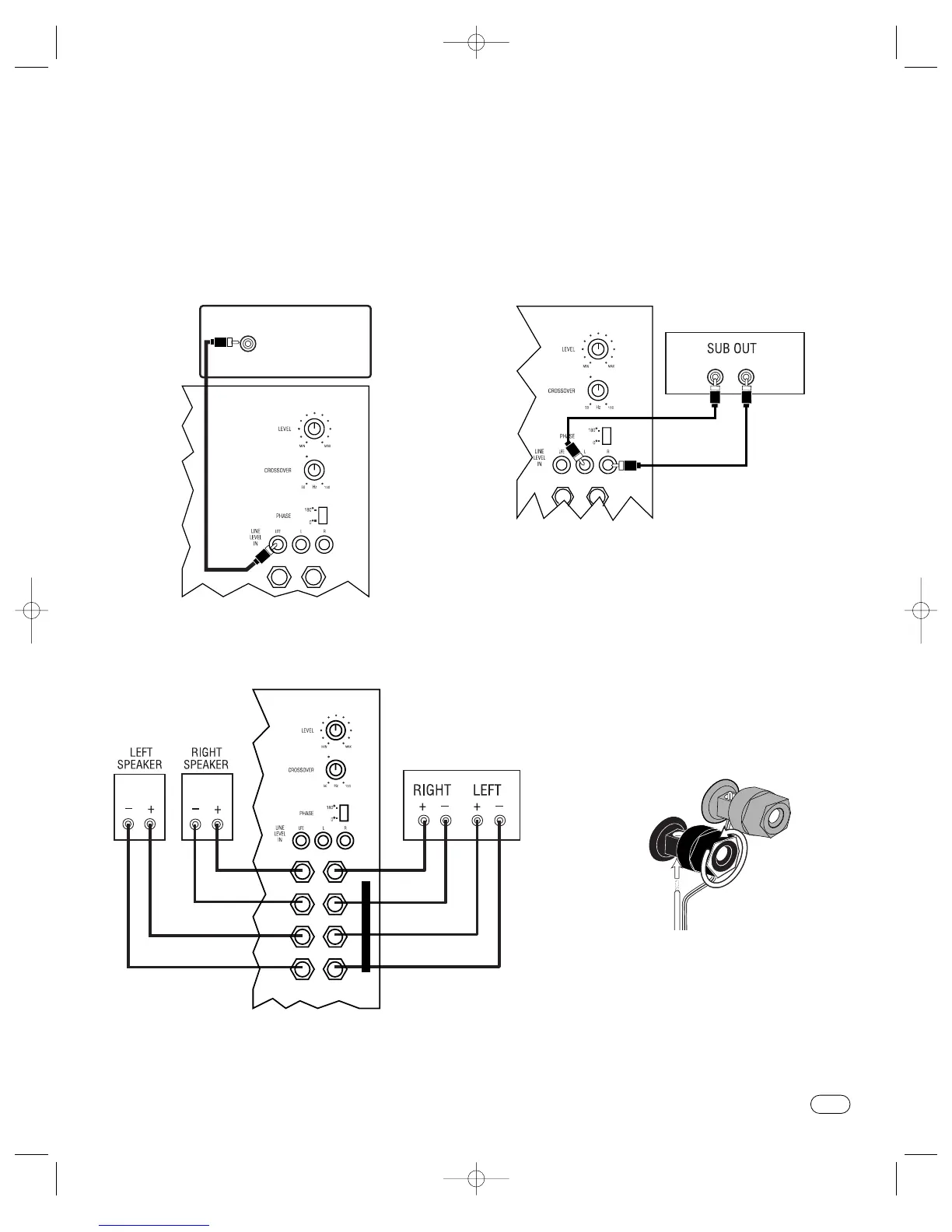
If you have a Dolby* Digital or DTS
®
receiver/processor
with a low-frequency-effects (LFE) or subwoofer output:
SUBWOOFER OR
LFE OUTPUT
+ +
OUT IN
If your receiver/processor does not contain a Dolby Digital or
DTS processor but has a subwoofer output:
NOTE: Some receivers have one subwoofer output.
In that case,it is recommended that you use a Y connector
(not included) to maximize performance.
+ +
OUT IN
RECEIVER/PROCESSOR
L R
SUBWOOFER CONNECTIONS
CHOOSE THE
SUBWOOFER CONNECTION THAT IS MOST SUITABLE FOR YOUR RECEIVER/PROCESSOR
If your receiver/processor does not have subwoofer
outputs for the left and right channels or an LFE output:
RECEIVER/AMPLIFIER
Front Speaker Output
H
I
G
H
L
E
V
E
L
+ +
R R
L L
– –
– –
+ +
OUT IN
OUT IN
LOOSEN TERMINALS
INSERT BARE END;
TIGHTEN TERMINALS
1.
2.
BLACK =
–
NO STRIPE =
–
STRIPE =
+
RED =
+
This figure shows how to connect bare wires
to the terminals.
Primus PS-8 OM 10/17/03 9:31 AM Page 5



 To Next Page