[ Edit: 2016/ 8/ 1 Model: 2017MY INFINITI Q70(Y51) OM17E00Y51U0 ]
4-24 Monitor, climate, audio, phone and voice recognition systems
When the ignition switch is in the ACC
position, the “Select Units (Tire Pressure)”
key is not displayed.
Voice Recognition settings (models
with navigation system)
Y51D-V-E01-B39729B1-EF28-4274-B0E3-FD6545F65F7A
For details about the “Voice Recognition”
settings, see “INFINITI Voice Recognition
system (models with navigation system)”
(P.4-122).
Camera settings
Y51D-V-E01-A6E8F9DD-29B6-43F4-97E1-393D856E3408
The “CAMERA” screen will appear when
selecting the “Camera” key with the
INFINITI controller and pushing the ENTER
button.
For the details about the camera system
operation, see “RearView Monitor” (P.4-26)
or “Around View
®
Monitor” (P.4-32).
Infiniti Connection (models with
navigation system)
GUID-E7B2AF1D-1EE3-4B39-856D-C1921C0C636A
The information feeds history and the UNIT
ID can be confirmed and Infiniti Connection
history can be deleted. For further details,
see the separate Navigation System Own-
er’s Manual.
SAA2491
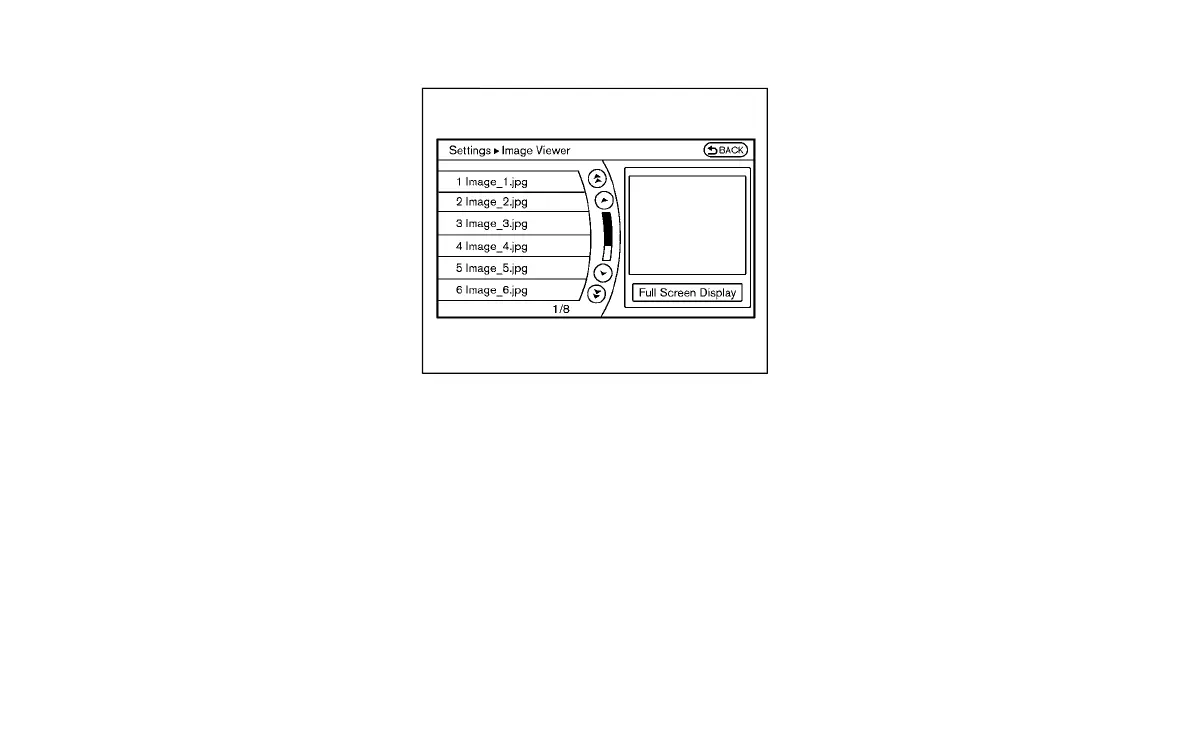
Image Viewer (models with naviga-
tion system)
Y51D-V-E01-CD986F21-1BEE-4FB4-82E8-E46E80F172B0
The image files in the USB memory will be
displayed. To display the Image Viewer,
push the SETTING button, select the
“Other” key and then select the “Image
Viewer” key. The image of the selected file
is displayed on the right side of the screen.
When a number of folders are included in
the USB memory, select a folder from the
list to display the file list.
Images will not be shown on the display
while the vehicle is in any drive position to
reduce driver distraction. To view images,
stop the vehicle in a safe location and
apply the parking brake.
Condition:


 To Next Page
 Loading...
