[ Edit: 2016/ 8/ 1 Model: 2017MY INFINITI Q70(Y51) OM17E00Y51U0 ]
SAA2492
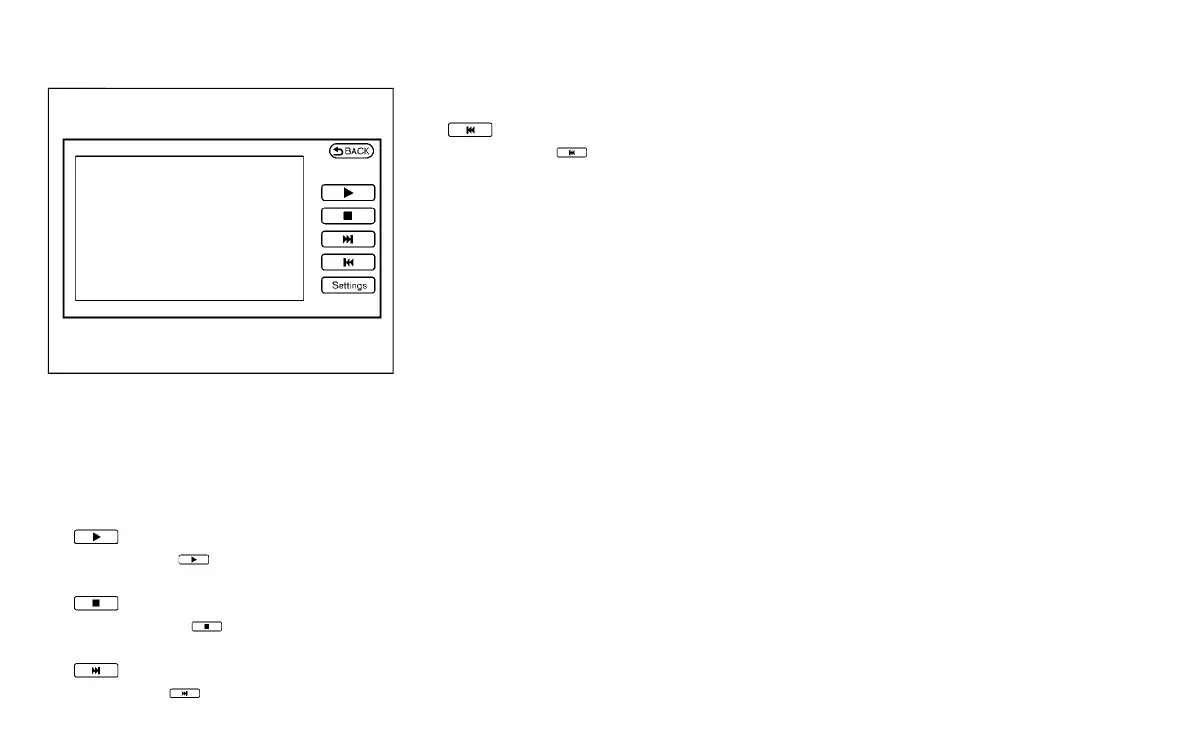
Full Screen Display:
Y51D-V-E01-29B9003B-FD00-48B3-95B7-70D9FE883CDE
The full screen display will appear when
selecting the “Full Screen Display” key.
To operate the Image Viewer or to change
the settings, select the desired key using
the INFINITI controller.
.
(Start)
Select the “
” key to start playing
the slideshow.
.
(Stop)
Select the “
” key to stop the
slideshow.
.
(Next)
Select the “
” key to display the next
file.
.
(Previous)
Select the “
” key to display the
previous file.
Setting the Image Viewer:
Y51D-V-E01-7CB839AF-E097-4EE2-BF1D-310A23AD2824
The Image Viewer setting display will
appear when selecting the “Settings” key
on the full screen display. The following
settings are available for the full screen
display.
. Slideshow Speed
Select the “Slideshow Speed” key.
From the following display, select the
changing time from 5, 10, 30, 60
seconds or “No Auto Change”.
. Slideshow Order
Select the “Slideshow Order” key. From
the following display, select “Random”
or “Order List”. For “Order List”, the
image order is the order of the files as
stored on the USB memory.
Operating tips:
Y51D-V-E01-9448115E-B541-4C2E-BE4D-3B88F8E29795
. Only files that meet the following
conditions will be displayed.
— Image type: JPEG
— File Extensions: *.jpg, *jpeg
— Maximum Resolution: 2048 6 1536
pixels
— Maximum Size: 2 MB
— Colors: 32768 (15 bit)
— Maximum File Name lengths: 253
Bytes
— Maximum Folders: 500
— Maximum Images per Folder: 1024
. If an electronic device (such as a digital
camera) is directly connected to the
vehicle using a USB cable, no image
will be displayed on the screen.
. If the file name is too long, some file
names may not be entirely displayed.
. When the total number of characters in
the file name exceeds 100 or if 1 file
name in a directory exceeds 100
characters, all files will show a shor-
tened 8-character version. The image
will still be displayed when selected.
Monitor, climate, audio, phone and voice recognition systems 4-25
Condition:


 To Next Page
 Loading...
