[ Edit: 2016/ 8/ 1 Model: 2017MY INFINITI Q70(Y51) OM17E00Y51U0 ]
4-50 Monitor, climate, audio, phone and voice recognition systems
CAUTION
Excessive noise (such as audio system
volume or an open vehicle window) will
interfere with the tone and it may not be
heard.
SYSTEM TEMPORARILY UNAVAIL-
ABLE
GUID-82E77831-86D7-49AE-A9A4-63AFD4D1C813
When the amber markers are displayed at
the corners of the vehicle icon and the
function cannot be activated from the
Camera setting menu (the setting items
are grayed out), the sonar system may be
malfunctioning.
SYSTEM MAINTENANCE
GUID-7CEA73F0-0737-4639-9ACD-3013E3B27E83
CAUTION
Keep the surface of the sonar sensors
(located on the front and rear bumper fascia)
free from accumulations of snow, ice and
dirt. Do not scratch the surface of the sonar
sensors when cleaning. If the sensors are
covered, the accuracy of the sonar function
will be diminished.
GUID-C9307088-EC2A-4234-9E25-CCDB7052FED0
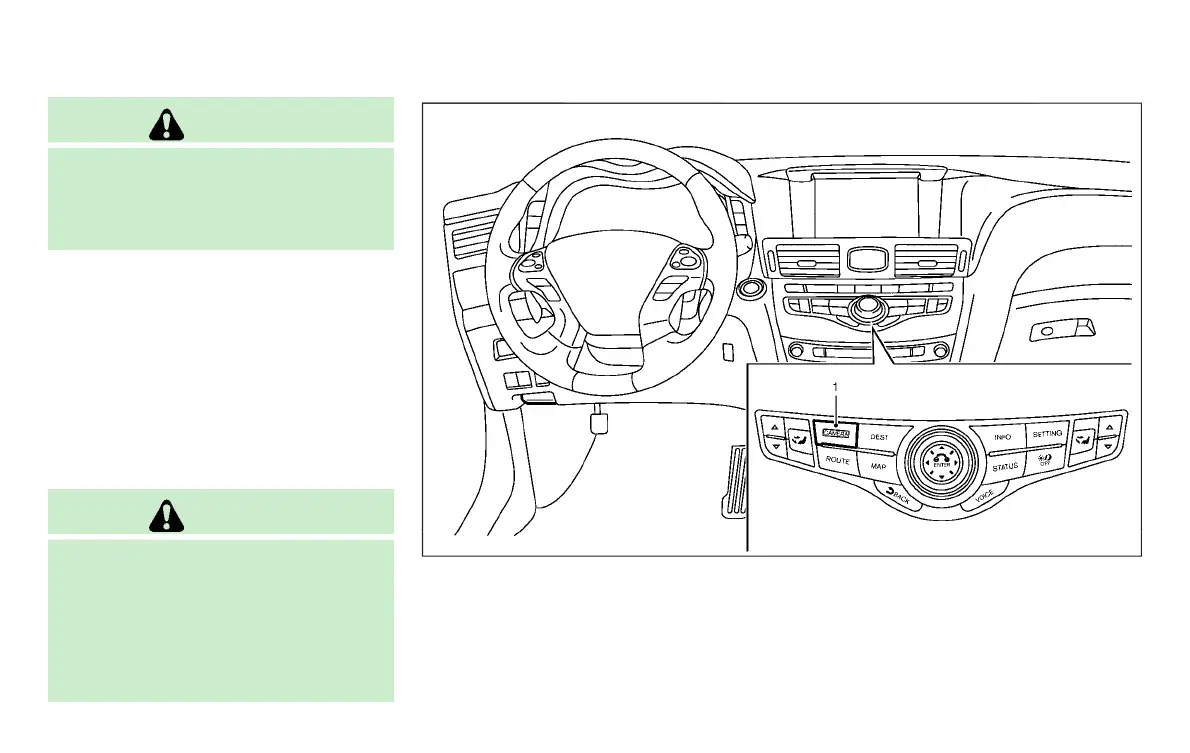
JVH1270X
1. CAMERA button
MOVING OBJECT DETECTION (MOD) (if so
equipped)
Condition:



 To Next Page