[ Edit: 2016/ 8/ 1 Model: 2017MY INFINITI Q70(Y51) OM17E00Y51U0 ]
JVH0478X
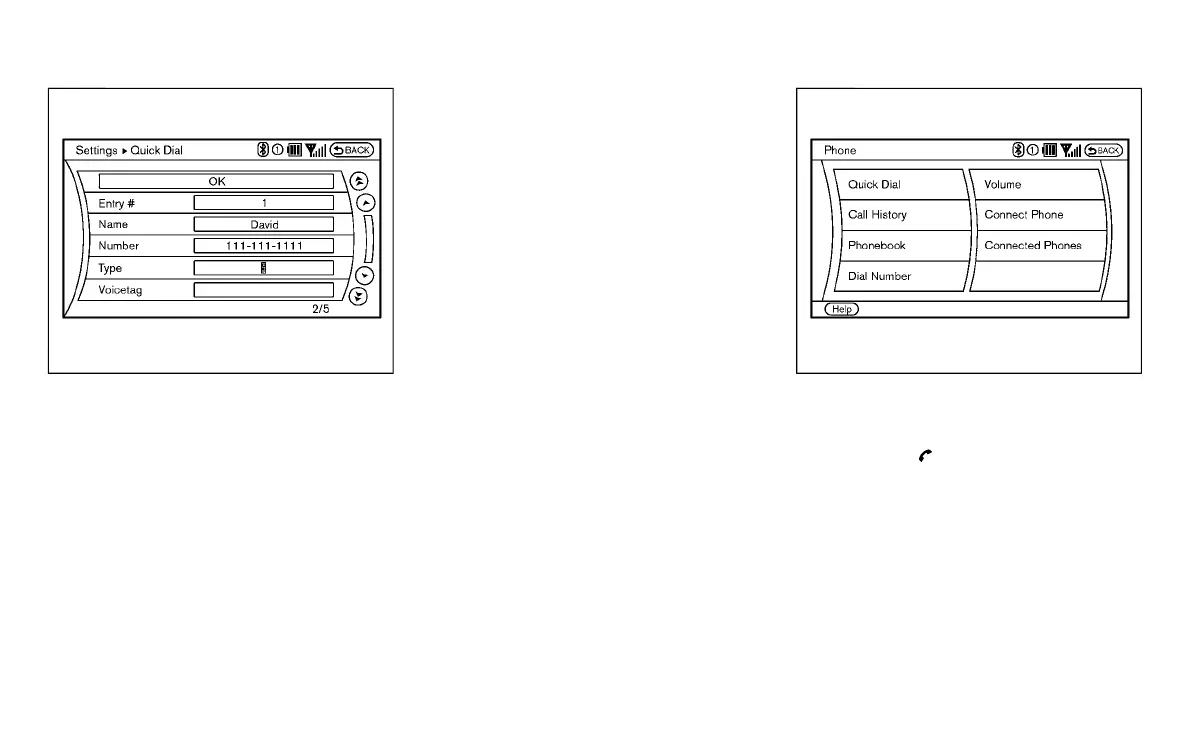
The following editing items are available:
. Entry #
Changes the displayed number of the
selected entry.
. Name
Edit the name of the entry using the
keypad displayed on the screen.
. Number
Edit the phone number using the key-
pad displayed on the screen.
. Type
Select an icon from the icon list.
. Voicetag
Confirm and store the voicetag. Voice-
tags allow easy dialing using the
INFINITI Voice Recognition system.
(See “INFINITI Voice Recognition system
(models with navigation system)” (P.4-
122).)
To delete an entry, select the “Delete” key
at step 3.
JVH0479X
MAKING A CALL
Y51D-V-E01-3BB32196-0AE0-4BE3-9E50-B6F4559F83CD
To make a call, follow this procedure.
1. Push the
button on the steering
wheel. The “PHONE” screen will appear
on the display.
2. Select the “Phonebook” key on the
“PHONE” menu.
3. Select the desired entry from the list.
4. Confirm the correct entry by selecting
for the correct number from the list.
There are different methods to make a call.
Select one of the following options instead
of “Phonebook” in step 2 above.
Monitor, climate, audio, phone and voice recognition systems 4-103
Condition:



 To Next Page