Start-up warning
Forthissystem, when the ignition switch is
placed in the ACCorONposition, the start-up
screen is displayed.
Touch[OK] after reading and agreeing to the
message. If youdonot agree to the message,
some of Infiniti InTouch
TM
functionswillbedis-
abled.
NOTE
•
Do not keep the INFINITI InTouchsystem turned on
with the engine stopped. Doing so maydischarge
the vehicle battery. When youuse INFINITI
InTouch, alwayskeep the engine running.
•
Onceyou select [Decline] on the start-up screen,
the [OK]/[Decline] screenwillnot be displayed for
30 days.
Do not keep the INFINITI InTouchsystem turned on
with the engine stopped. Doing so maydischarge the
vehiclebattery. When youuse INFINITI InTouch, al-
ways keep the engine running.
FUNCTIONS DISABLED WHILE DRIVING
(where fitted)
To ensure safe driving, some functionscannot
be operated while driving. The on-screen func-
tions that arenot available while driving will be
“grayed out” or muted. In some cases, certain
text will not be displayed on the screen. To use
these functions, first park the vehicle in asafe
location and then operate the system. In the re-
gionswhere image viewing inthe vehicle is re-
stricted, stillpictures and movies maynot be
displayedon the upper and lower displays while
the vehicle is in motion.
TOUCH PANEL OPERATION
CAUTION
•
The glass screen on the liquid crystal display may
break if it is hit with ahard or sharp object. If the
glassscreenbreaks,donottouchit.Doingso could
result in an injury.
•
To clean the display,use asoft, drycloth. If addi-
tionalcleaning isnecessary,use asmall amountof
neutraldetergent with asoft cloth. Never usea
rough cloth, alcohol, benzine, thinner or any kind
of solventorpaper towel with achemical cleaning
agent. They will scratch or deteriorate the panel.
•
Do notsplashany liquid suchaswater or carfra-
granceonthe display.Contact with liquid will
causethe system to malfunction.
Screen illustrations
•
The illustrationsinthismanual are representatives
of variousmodels and maynot be identical with
the design and specificationsofyour vehicle.
•
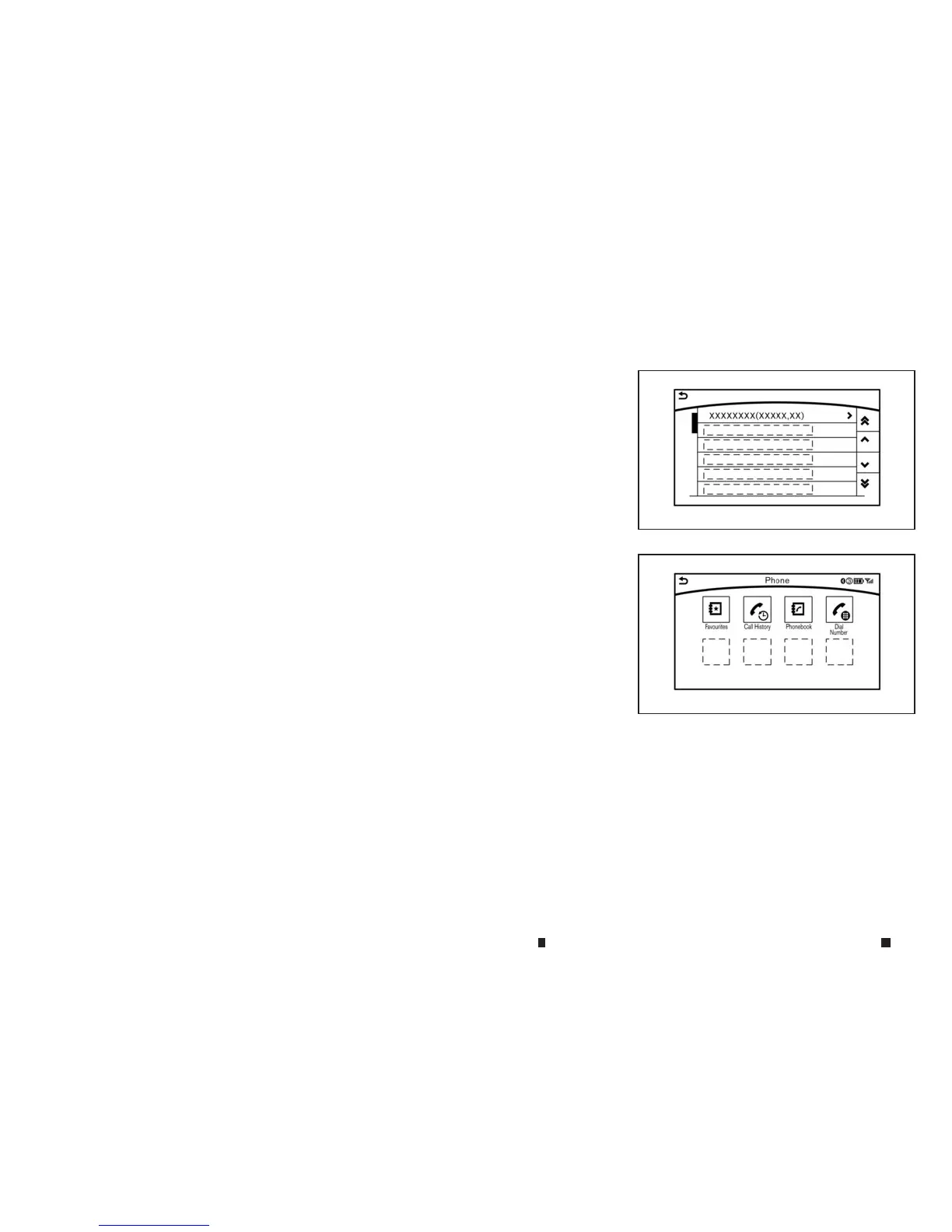
Iconsand menu items displayed on the screen may
be abbreviated or omitted from the screen illustra-
tionswhen appropriate. Theomitted iconsand
menu itemsare described as dotted lines as illus-
trated.
Basic touchpanel operation methods are ex-
plained here.
5GH0158XZ
5GH0187XZ
4-4 Display screen, heater and air conditioner,and audio system


 To Next Page
 Loading...