REARVIEW MONITOR SYSTEM
LIMITATIONS
WARNING
Listed beloware the system limitationsfor RearView
Monitor.Failure to operate the vehicle in accordance
with these system limitationscould result in serious
injuryordeath.
•
Thesystem cannot completely eliminate blind
spotsand maynot show everyobject.
•
Underneath the bumper and the corner areas of
the bumper cannot be viewed on the RearView
Monitor because of its monitoring rangelimita-
tion.The systemwill not show smallobjects below
the bumper, andmaynot showobjects close to the
bumper or on the ground.
•
Objectsviewed in theRearView Monitordiffer from
actual distancebecauseawide-angle lens is used.
•
Objects in the RearView Monitor will appear visu-
ally opposite than when viewed in the rear view
and outside mirrors.
•
Usethe displayed lines as areference. The lines
arehighly affected by the number of occupants,
fuel level, vehicleposition, road conditionsand
road grade.
•
Makesure that the backdoor is securely closed
whenreversing.
•
Do notput anything on the rear view camera. The
rear view cameraisinstalled above the number
plate.
•
When washing the vehicle with high-pressure wa-
ter,besure not to sprayit aroundthe camera. Oth-
erwise, water mayenter the cameraunit causing
water condensationon thelens,amalfunction, fire
or an electric shock.
•
Do not strikethe camera. It is aprecision instru-
ment.Otherwise,itmaymalfunction or causedam-
ageresulting in afire or an electric shock.
The following areoperating limitationsand do
not represent asystem malfunction:
•
Whenthe temperature isextremely high or low,the
screen maynot clearly displayobjects. Thisisnot a
malfunction.
•
Whenstrong light shines directly on to the camera,
objectsmay not be displayed clearly.Thisisnot a
malfunction.
•
Verticallines maybeseen in objects on the screen.
Thisisdue to strong reflected light from the
bumper.Thisisnot amalfunction.
•
The screen mayflickerunder fluorescent light.This
is not amalfunction.
•
Thecoloursofobjectson the RearViewMonitor may
differ somewhat from the actual colour of objects.
Thisisnot amalfunction.
•
Objectsonthe monitor maynot be clear in adark
environment.Thisisnot amalfunction.
•
Do not usewax on the camerawindow.Wipe off
anywax with aclean cloth dampened with mild
detergent diluted with water.
SYSTEM MAINTENANCE
CAUTION
•
Do notuse alcohol, benzine or thinner to clean the
ca
mera.Thiswillcausediscolouration.To cleanthe
camera, wipe with acloth dampened with diluted
mildcleaning agentand thenwipe withadrycloth.
•
Do not damagethe cameraasthe monitor screen
maybeadversely affected.
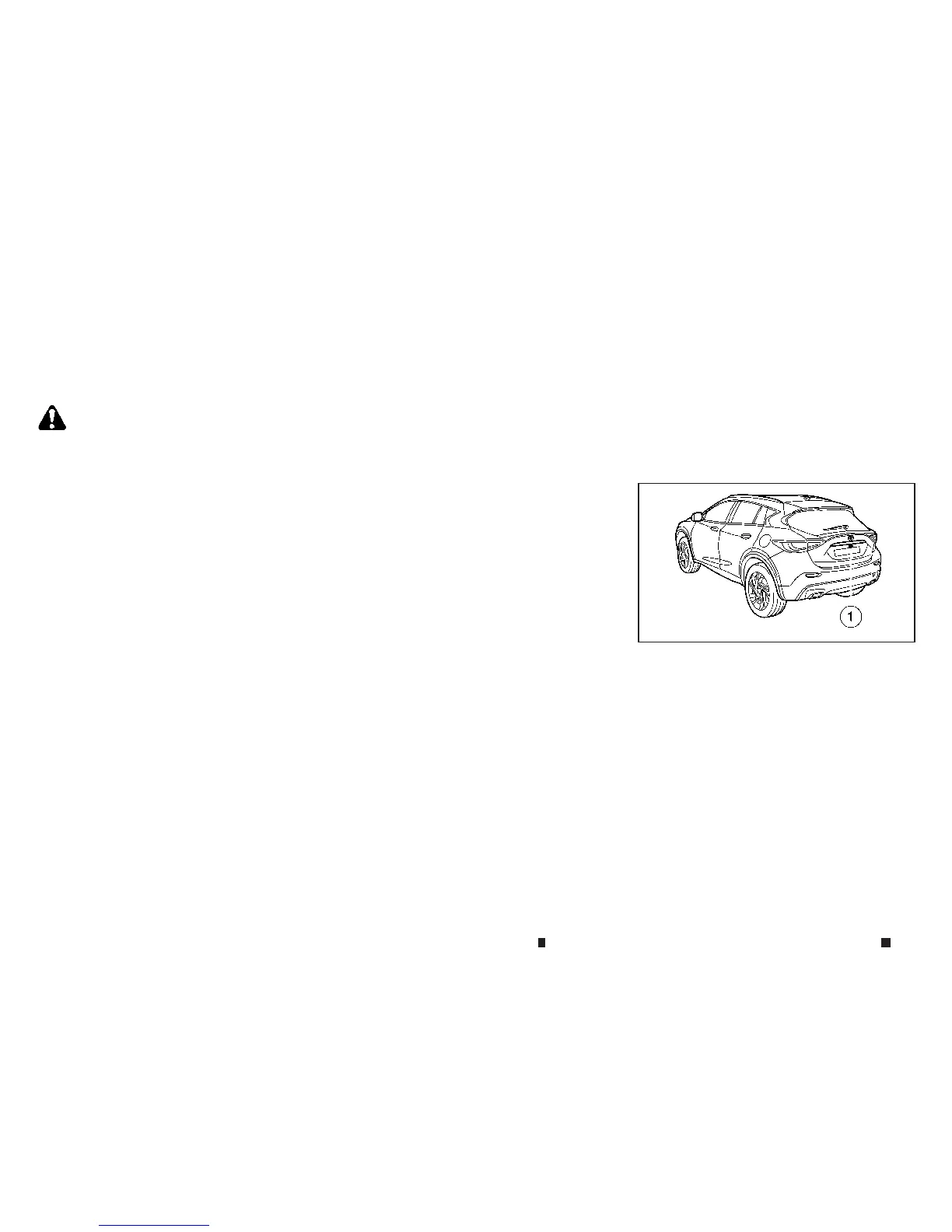
If dirt, rain or snow accumulates on the camera
j
1,the RearView Monitor maynot display ob-
jects clearly.Clean the camerabywiping it with
acloth dampened with adiluted mild cleaning
agentand then wiping it with adry cloth.
NAA1688
4-20 Display screen,heater and air conditioner,and audio system


 To Next Page
 Loading...