Reinitialisation procedure after
batteryreconnection
If the batteryhas been reconnected, checkthe
followingitems:
•
Clocksetting(where fitted).Fordetails,see “Clock”
in the “2. Instruments and controls” section
,or
the separately provided navigation system
Owner’sManual, or theaudiodevicedescrip-
tions in
“Audio system (where fitted)” in the
“4.Display screen, heater and air conditioner,and
audio system” section
.
•
Reset the desired radio stationstothe preset sta-
tion buttons. Fordetails, see the audio devicede-
scriptionsinthe “4. Heaterand airconditioner,and
audiosystem”.
Models with Stop/StartSystem
•
Ensure that the batteryfitted is the special battery
that is enhanced with regard to the charge-dis-
chargecapacity and life performance. Avoid using
any othe
rbatteryfor theStop/StartSystem, asthis
maycause early deterioration of the batteryora
malfunction of the Stop/StartSystem. It is recom-
mendedthataGenuine INFINITI batteryisfitted.
Formore information, contact an INFINITI centre or
qualified workshop.
•
If the batteryterminal is disconnected (for battery
replacement, etc.) and then reconnected,there
maybesome delay before the Stop/StartSystem
reactivates.
JUMP-STARTING
Ifjump-starting is necessary,see
“Jump starting”
in the “6. In case of emergency” section
.Ifthe en-
gine does notstart by jump starting, the battery
mayhave to be replaced. Contact an INFINITI
centre or qualified workshop.
INTEGRATED KEY FOB/INTELLIGENT
KEYBATTERY REPLACEMENT
CAUTION
•
Be careful not to touchacircuit board or abattery
terminal.
An improperly disposed batterycan harm
the environment. Always conform to local
regulationsfor batterydisposal.
•
The Integrated keyfob/Intelligent Keyiswater-re-
sistant; however,ifitdoes getwet, immediately
wipe it until it gets completely dry. To replacethe
battery, open the Integrated keyfob/Intelligent
Keycarefully in the sequenceshown in the illus-
tration.
•
When changing the battery, do not let dust or oil
getonthe Integrated keyfob/Intelligent Key.
INFINITI recommends that youhave thebattery
replacedatanINFINITI centre or qualified work-
shop
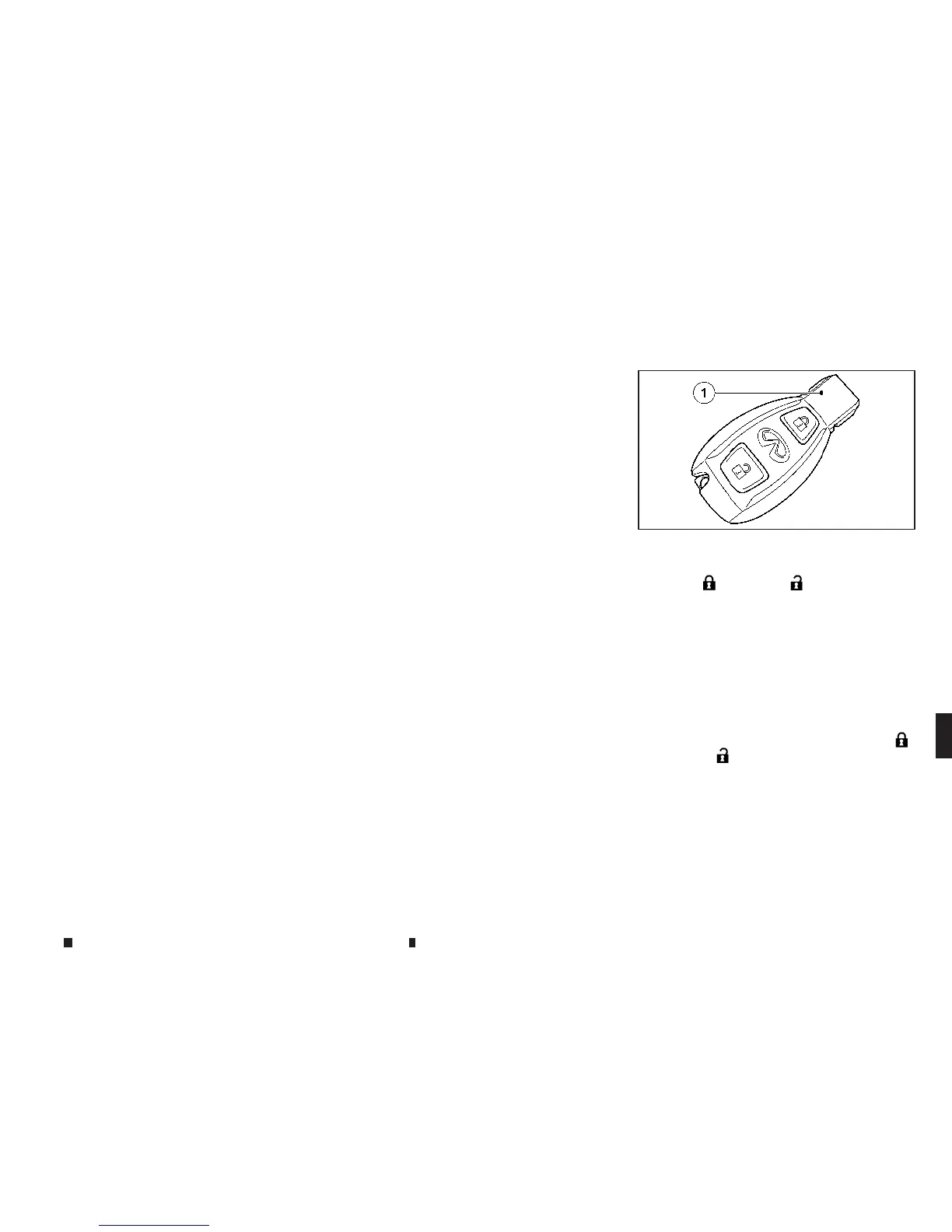
Checking the battery
Pressthe
m
(LOCK) or
m
(UNLOCK) button.
Thebatteryisworking properly if the battery
checklamp
j
1lights up briefly.
Thebatteryisdischarged if the batterycheck
lamp
j
1does not light up briefly.Replacethe
battery.
NOTE
•
If the keybatteryischeckedwithin the signal re-
ce
ption rangeofthe vehicle, pressing the
m
(LOCK) or
m
(UNLOCK) button locks or unlocks
the vehicle.
•
Youcan obtain abatteryfrom an INFINITI centre or
qualified workshop.
NPA1474
Maintenanceand do-it-yourself 8-19


 To Next Page
 Loading...