Other status indicators of the navigation
system:
Thenavigation systemdisplaysadditional infor-
mation and the vehicle status.Possible
displays:
•
[New route...] or [Calculating route...]
Anew route is calculated.
•
[Off map] or [Off road]
Thevehicle position is outside of the areaof
the digital map(off-map position).
•
[Noroute]
No routecould be calculated to the selected
destination.
•
m
Youhave reachedthe destination or an inter-
mediatedestination.
Audiomenu
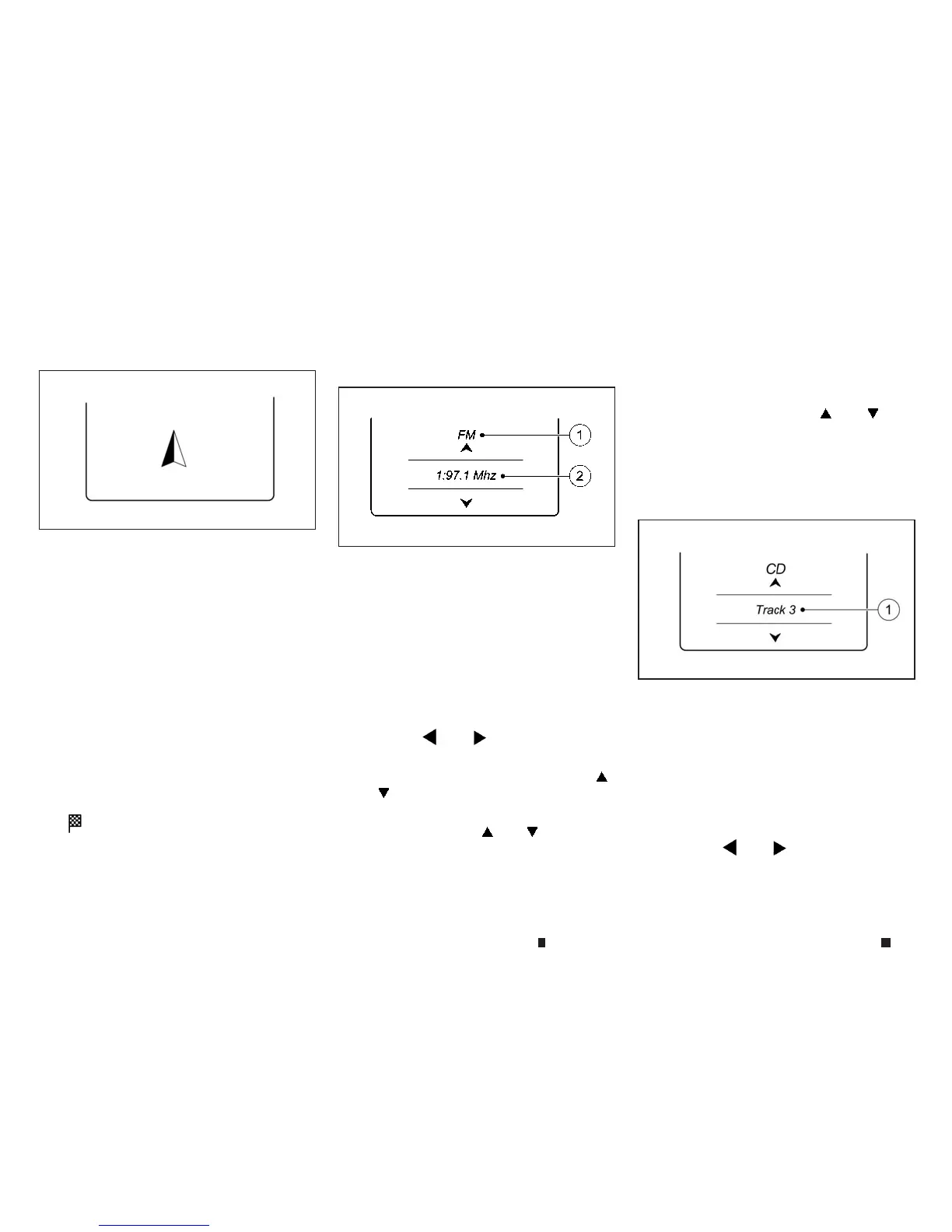
Selectingaradio station:
j
1
Frequency range
j
2
Stationfrequency/name with memoryposi-
tion
Thememoryposition is only displayed along
with station
j
2ifthishas been stored.
1. Switch onthe audio systemornavigation sys-
temand select Radio.
2. Pressthe
m
or
m
buttononthe steer-
ingwheel to select the [Audio] menu.
3. To select astored station, briefly press
m
or
m
.
4. To select astation from the station list, press
and briefly hold the
m
or
m
button.
If no station list is rec eived:
5. To elect astation using the station search:
press and briefly hold the
m
or
m
but-
ton.
NOTE
DABradio mode (Digital Audio Broadcasting) is an
optimised digital transmission standard designed for
the mobile reception of radio transmissions.
Audio player or audio media operation:
j
1
Current track
Audiofiles from various audio players or media
canbeplayed, depending on the equipment fit-
tedinthe vehicle.
1.Switchonthe audio systemor navigation sys-
tem and select audio CD or MP3 mode.
2.Pressthe
m
or
m
buttononthe steer-
ingwheel to select the [Audio] menu.
NIC2723
NIC2724
NIC2839
2-16 Instrumentsand controls


 To Next Page
 Loading...