3. To select the next/previoustrack,briefly
press
m
or
m
.
4. To select atrack from the tracklist(rapid
scrolling): press and hold the
m
or
m
.
buttonuntil the desired track has been
reached.
If youpressand hold the
m
or
m
button,
therapid scrolling speed is increased. Not all
audio playersor media supportthisfunction.
If trackinformation is stored on the audio player
or media, the vehicle informationdisplay will
show the number and title of the track.
The current trackdoes not appear in audio AUX
mode (Auxiliaryaudio mode: external audio
sourceconnected).
Video DVDoperation (outside Europe only):
It is only possibletouse the [Audio] menu to
operate video DVDs on vehicles with navigation
system.
1. Switch onthe audio systemornavigation sys-
tem and select video DVD.
2. Pressthe
m
or
m
buttononthe steer-
ingwheel to select the [Audio] menu.
3. To select the next or previousscene, briefly
press
m
or
m
.
4. To select ascene from the scene list (rapid
scrolling): press and hold the
m
or
m
.
buttonuntil the desired scene
j
1has been
reached.
Assistancemenu
Dependingonthe equipment fitted in the ve-
hicle, youhavethe followingoptionsinthe [As-
sist.] menu:
•
Showing the assistancegraphic
•
Acti
va
ting/deactivating the
Tr
affic Sign
Re
co
gni-
tion (TSR) message function
•
Activating/deactivating ESP/VDC
•
Activating/deactivating Forward Emergency Brak-
ing (FEB)
•
Activating/deactivating Blind Spot Warning (BSW)
•
Activating/deactivating Lane Departure Warning
(LDW)
Showingthe distancedisplay:
1. Press the
m
or
m
buttononthe steering
wheel to select the [Assist.] menu.
2. Pressthe
m
or
m
buttontoselect [Dis-
tancedisplay].
3. Pressthe <OK> button.
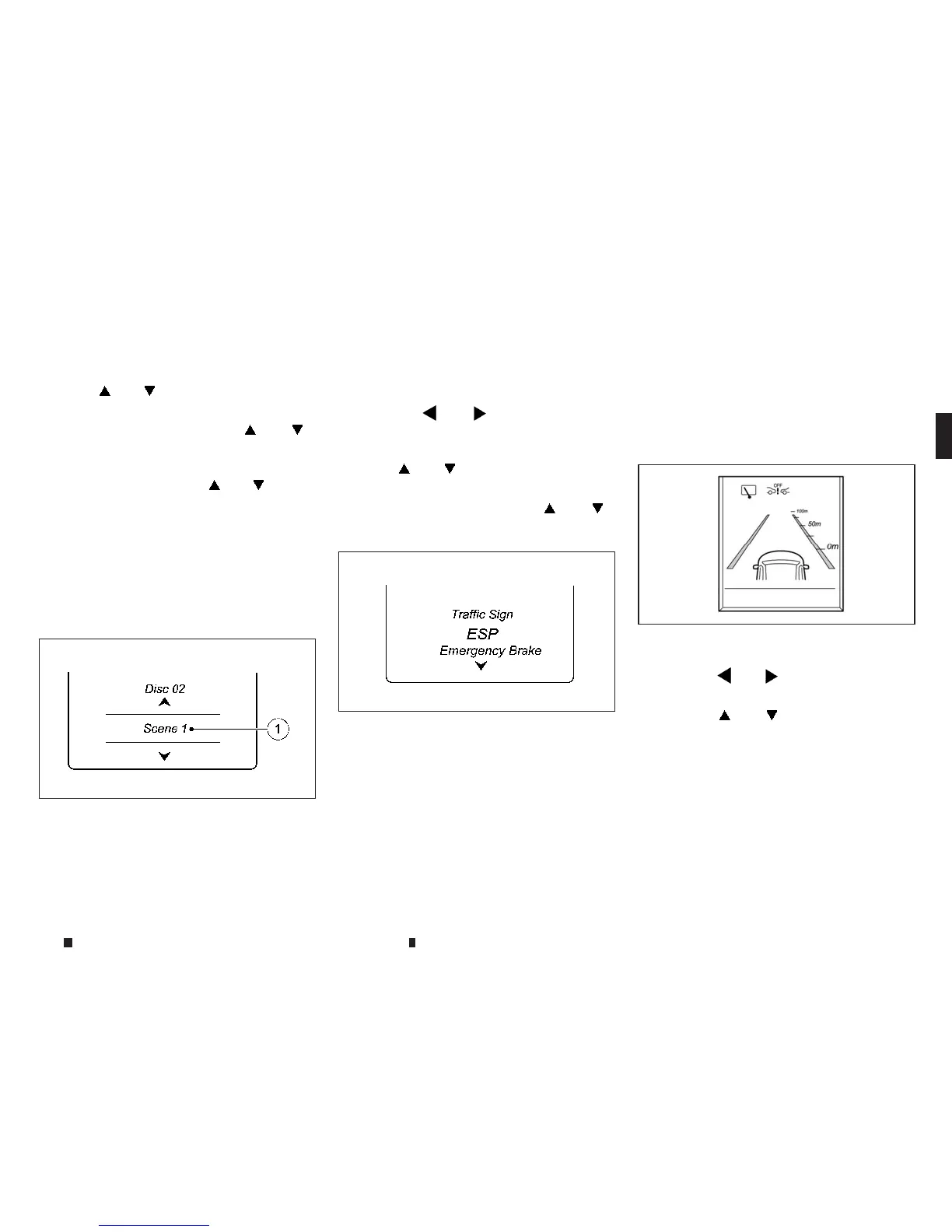
The vehicleinformation display shows the In-
telligentCruise Control (ICC) distancedisplay
in the assistancegraphic.
NIC2726
NIC2728
NIC2729
Instrumentsand controls 2-17


 To Next Page
 Loading...