Forfurther information about Forward Emer-
gency Braking, see
“Forward emergency braking
(FEB)system (where fitted)” in the “5. Starting and
driving” section
.
Activating/deactivating Blind Spot Warning
(BSW):
1. Pressthe
m
or
m
buttononthe steering
wheel to select the [Assist.] menu.
2. Pressthe
m
or
m
buttontoselect [Blind
SpotWarning].
3. Press the <OK> button.
The current selection is displayed.
4. To activate/deactivate: pressthe <OK> but-
ton again.
Forfurther information about Blind Spot Warn-
ing,see
“Blind Spot Warning (BSW) system (where
fitted)” in the “5. Starting and driving” section
.
Activating/deactivating Lane Departure
Warning (LDW):
1
.Pressthe
m
or
m
buttononthe steering
wheel to select the [Assist.] menu on the
Menu bar.
2. Pressthe
m
or
m
buttontoselect [Lane
Departure Warning].
3. Press the <OK> button on thesteering wheel.
The currentselection is displayed.
4. Pressthe <OK> button to confirm.
5. Pressthe
m
or
m
button to set [Off],
[Standard] or [Adaptive].
6. Pressthe <OK> button to save the setting.
Forfurther information about Lane Departure
Warning, see
“Lane departure warning (LDW) system
(where fitted) ” in the “5. Startingand driving” sec-
tion
.
Service menu ([Serv.])
Dependingonthe equipment fitted in the ve-
hicle, youhavethe followingoptionsinthe
[Serv.]menu:
•
Calling up display messagesinthe message
memory(see “Message memory” later in thissec-
tion
).
•
Restarting the tyre pressure monitoring system
(TPMS) (see “Restarting TPMS” in the “5. Starting
and driving” section
.
•
Checking the tyre pressure electronically (see
“Checking the tyre pressure electronically” in the
“5.Starting and driving” section
).
•
Calling up the service due date (see “Maintenance
service messages” in the “5.Maintenanceand
do-it-yourself” section
).
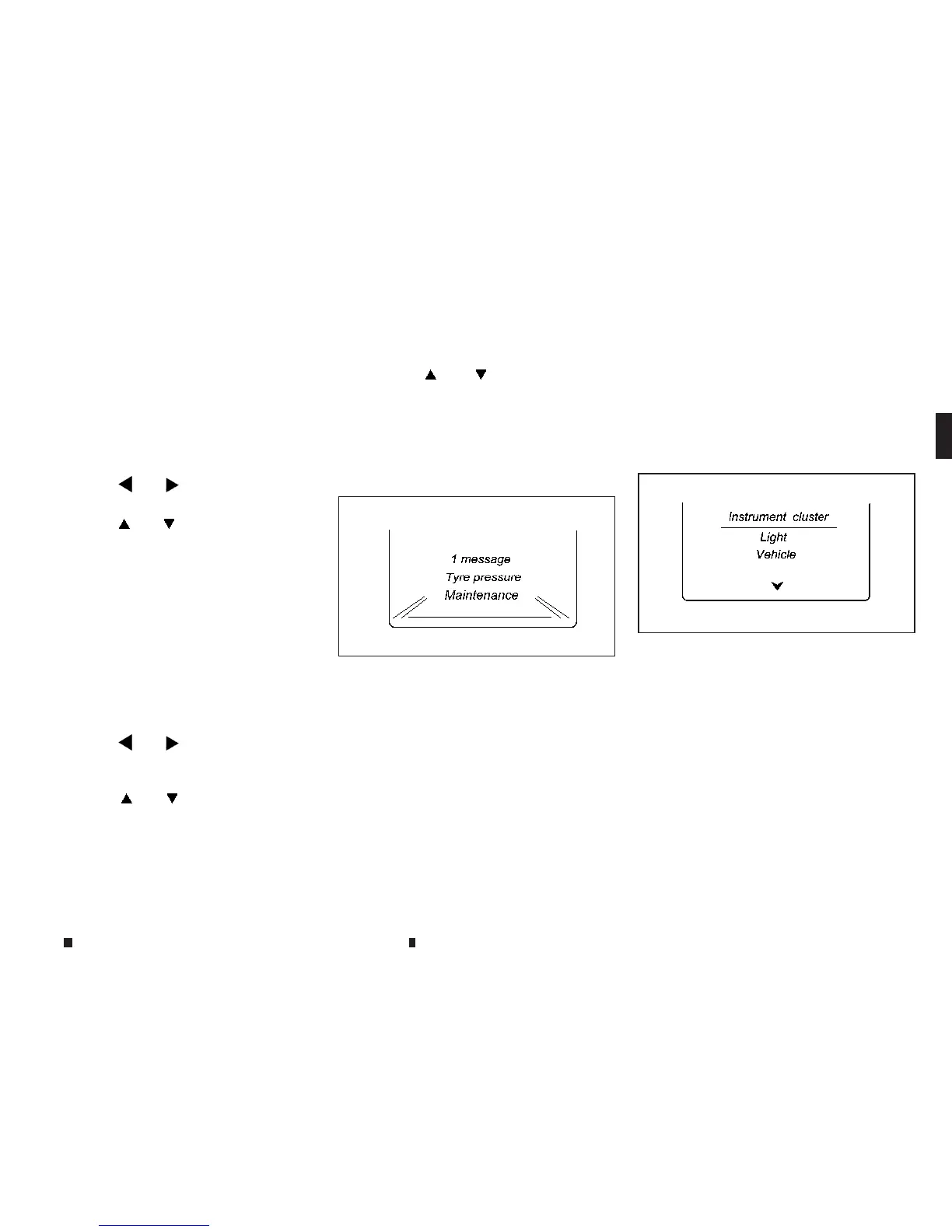
Settingsmenu
Dependingonthe equipment fitted in the ve-
hicle, in the [Settings]menu youhave the fol-
lowing options:
•
Changing the instrument cluster settings.
•
Changing the light setting.
•
Changingthe vehicle setting.
•
Changing the conveniencesetting.
•
Restoring the factorysetting.
NIC2730
NIC2731
Instruments and controls 2-19


 To Next Page
 Loading...