21
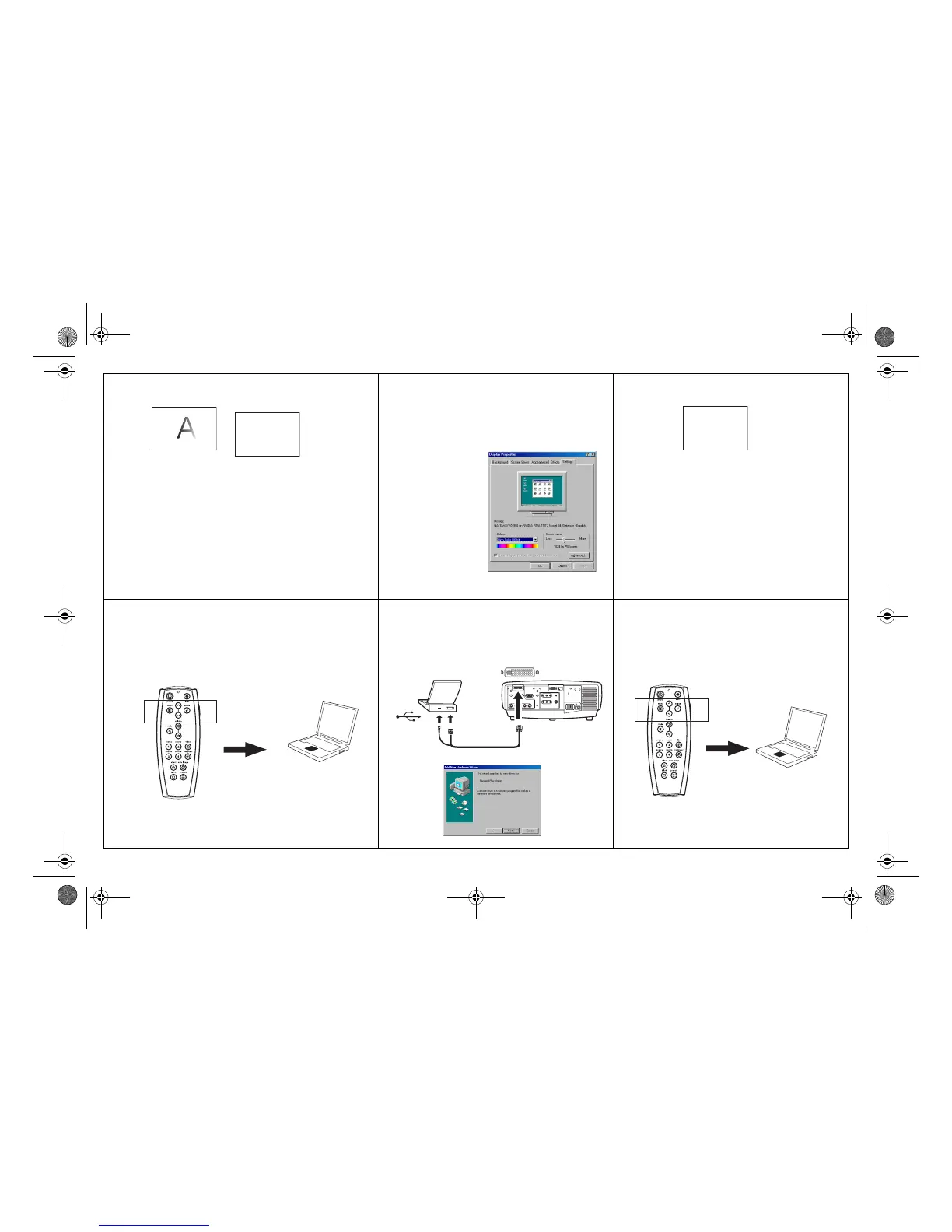
Image fuzzy or cropped
Set your computer’s display resolution to
the native resolution of the projector
(Start>Settings>Control
Panel>Display>Settings tab, select1024x768
for LP840/850, 1400x1050 for LP860)
Image clear and not cropped
Remote control navigation buttons not working
with my computer
Connect USB cable (page 8) then load USB
drivers, if needed (page 11). Or, connect
wired remote cable and reboot your
computer (page 8).
Remote controls navigation buttons.
See page 27 for information on the remote
A
A
For a laptop,
disable laptop
monitor
or turn-on dual-
display mode
A
X
LP840-850-860 User's Guide-02.fm Page 21 Friday, February 25, 2005 12:58 PM



 To Next Page