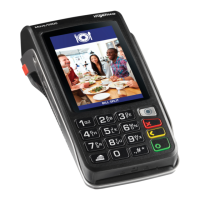
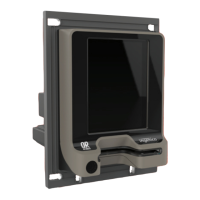
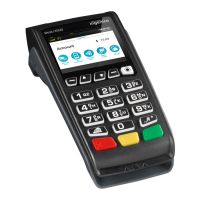
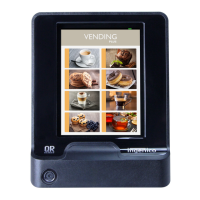
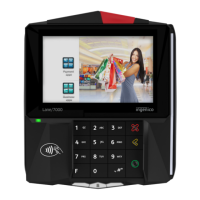
Card Payment Terminal
Charging Base
Power supply unit
Receipt Rolls
Quick Reference Guide
Window Decal
1.
2.
3.
4.
5.
6.
Menu - Use this button to access the main
functions menu on the terminal
Cancel - Use this button to cancel and revert
back to the previous screen
Clear - Use this button to clear back or delete
characters when keying in text/numbers
Enter - Use this button to confirm selection on
the terminal
What's in the box?
Setup Guide
Move 3500 Wi-Fi
Function keys

 Need help?
 General

 To Next Page