Need help?
Do you have a question about the Initial IDM-9530 and is the answer not in the manual?
Guidelines for safe power connection and unit placement to prevent damage or malfunction.
Safety advice for general handling, maintenance, headphone use, and avoiding hazards.
Accessing and navigating the main setup menu for player configuration.
Configuring TV display modes, SPDIF output, and other general settings.
Adjusting audio, subtitle display, and screen saver functions.
Configuring speaker output, audio equalization, and Dolby Digital features.
Settings for 3D effects, brightness, color, and password management.
Configuring language preferences and parental lock restrictions.
How to select audio modes for DVDs and CDs.
Using fast forward, fast reverse, and slow motion playback functions.
Different modes for repeating playback of discs, titles, chapters, or tracks.
 General
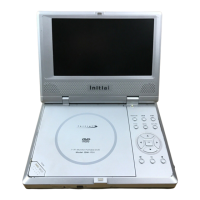
| Brand | Initial |
|---|---|
| Model | IDM-9530 |
| Category | Portable DVD Player |
| Language | English |


 To Next Page