3. Keys Instruction
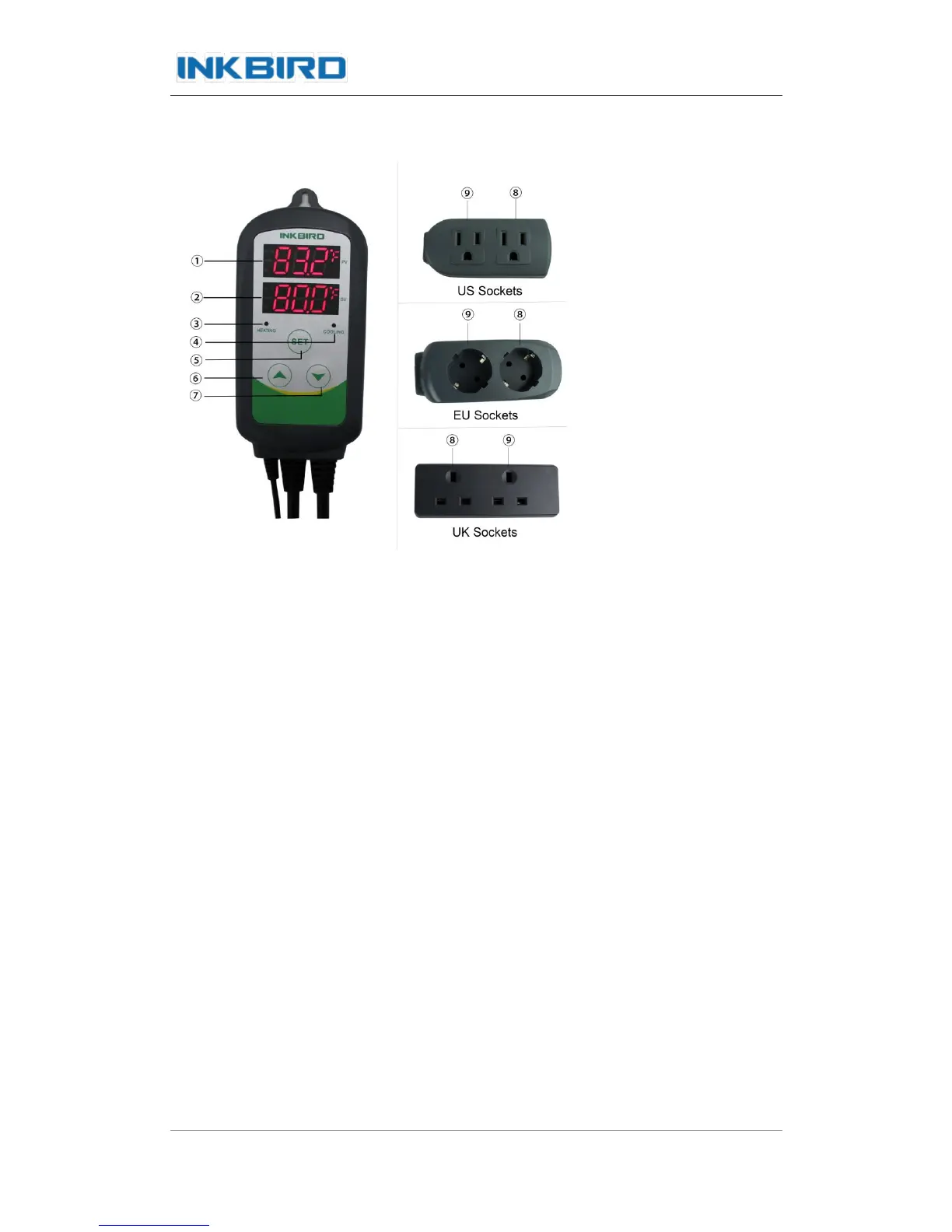
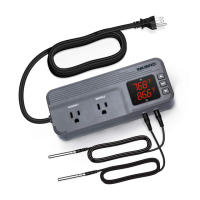
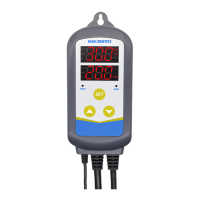
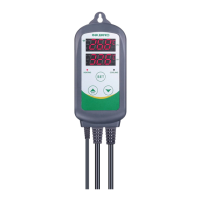
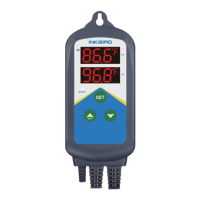
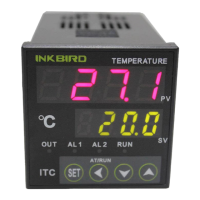
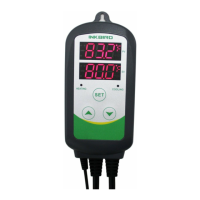
① PV: Process Value. under running mode, display current temperature; under setting
mode, display menu code.
② SV: Setting Value. under running mode, display setting temperature; under setting
mode, display setting value.
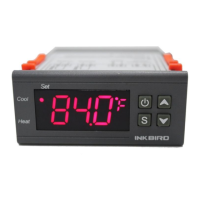
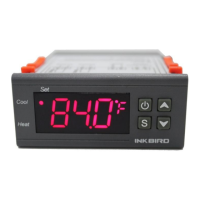
③ Cooling indicator Lamp: when the light is on, start refrigeration; when the light is
flickering, the compressor is under delay protection.
④ Heating Indicator Lamp: when the light is on, start heating.
⑤ SET key: press SET key for 3 seconds to enter menu for function setting. During the
setting process, press SET key for 3 seconds to quit and save setting changes.
⑥ DECRESE key: under running mode, press DECRESE key to inquiry CD value; under
setting mode, press DECRESE key to decrease value.
⑦ INCREASE key: under running mode, press INCREASE key to inquiry HD value; under
setting mode, press INCREASE key to increase value.
⑧ Heating Device Socket: this socket is for heating output.


 To Next Page